

Has your Google Business Profile been suspended overnight without warning? Your map pin, click-to-call button, and every review you earned may suddenly disappear.
It might feel random, but it usually is not. Google’s systems regularly flag specific issues with profiles, including small details that are easy to miss.
Here is the short version: this is usually fixable. A precise appeal filed correctly the first time is better than a rushed one you have to file twice.
Below, you will learn why a suspension might happen, how to appeal it properly, whether a paid reinstatement service is worth it, and how to reduce the risk of it happening again.
This guide is especially important for businesses with more than one location because the same recovery and prevention playbook scales with listings management tools.

Run every Google Business Profile from one operating dashboard. Localith centralizes listings, reviews, posts, and analytics so your team can manage every location without jumping profile to profile.
Start free trialSuspended vs. disabled vs. hard vs. soft: what your status actually means
Before doing anything, figure out exactly what happened to your listing. Google uses more precise language than many people realize, and the label changes what you should do next.
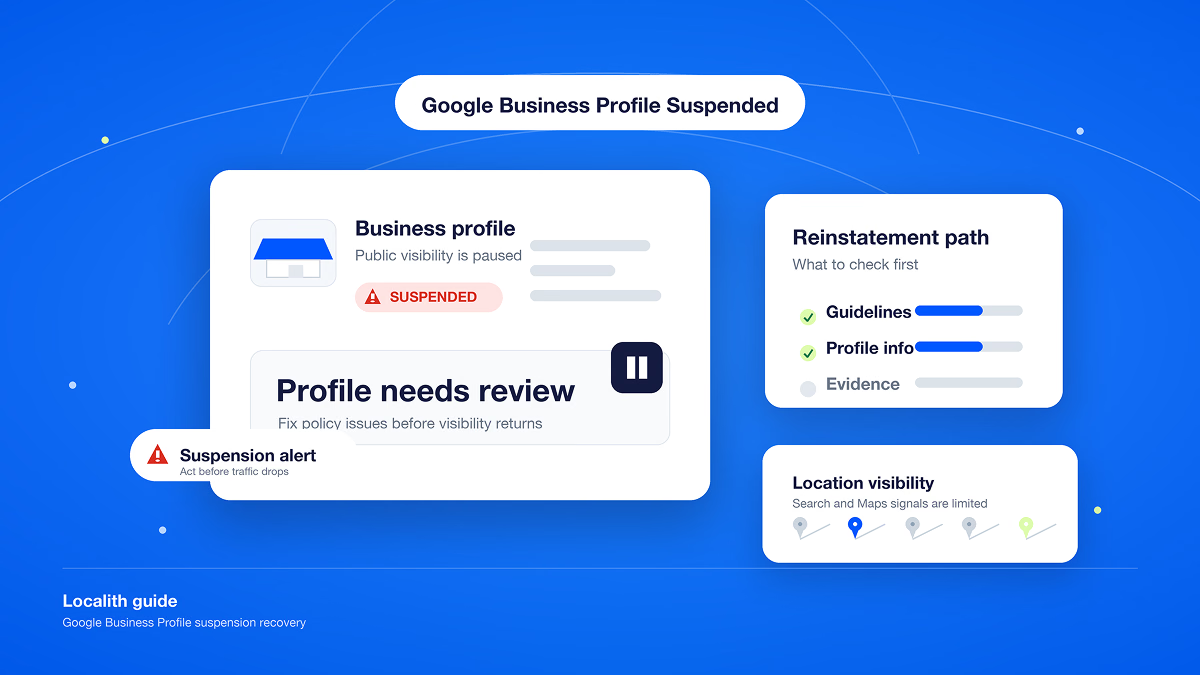
- Soft suspension: Your profile still exists in some form, but it is flagged, unverified, and limited. Edits may not save and posts may not publish.
- Hard suspension: Your profile is removed entirely from Search and Maps. This is the version that feels like the business vanished.
- Disabled: This is a related but distinct status, typically tied to the underlying Google account rather than only the listing. We explain the practical difference further down in the FAQ.

Review Google’s guidance for suspended or disabled profiles because you will likely reference it during the appeal. If you received an email notification, read it closely instead of scanning only for the word “suspended.”

The notification may name the policy Google believes you violated. That reason is your starting point for the diagnostic work in the next section. You can also contact Google Business Profile support for further clarification.
Google may also apply permanent restrictions to businesses that repeatedly commit severe violations or engage in fraudulent activity.
Why was my Google Business Profile suspended?
A Google Business Profile suspension usually traces back to a specific guideline violation that Google’s system flagged. Here are the most common reasons:
- Guideline violations: A keyword-stuffed business name, an ineligible or mismatched category, a duplicate listing, or an inaccurate address can trigger a suspension.
- Address-type risk: P.O. boxes, UPS Store addresses, and virtual offices or coworking spaces without genuinely dedicated space are common triggers. Run a Google Business Profile audit to catch these issues before they become a suspension.
- High-risk category: Locksmiths, plumbers, HVAC companies, pest control companies, and real estate businesses see more enforcement because these categories are common spam targets.
- Suspicious activity: Rapid or frequent edits, unusual login patterns, or a suggested edit from a third party or Google that was applied without review can draw scrutiny.
- An unreviewed recent edit: A change to your address, hours, category, or phone number often exposes a problem that already existed instead of causing it.
Some genuine cases can look like a Google Business Profile suspended for no reason:
- A routine hours update can trigger a fresh review that uncovers an older category mismatch.
- An address or hours edit may have gone live weeks before the suspension without anyone noticing.
- A business in a high-risk category may face enforcement even with no recent edit history.
A suspension is Google’s way of protecting the accuracy of what it shows searchers. Treating your listing data as something to actively govern, rather than information you fill in once, is the real long-term fix.
How to appeal your Google Business Profile suspension correctly
Speed feels like the priority when your listing disappears, but precision matters more. A rushed, incomplete appeal can cost you another review cycle.
Here is how to do it correctly the first time.
Before you start
Take care of two things before you begin the appeal process:
- Draft your written explanation. State what happened, what you have corrected, and why the business is legitimate at the listed address.
- Gather your supporting documents. Prepare an official business registration, business license, tax certificate, recent utility bill, or another document that proves the business is real at the address on the profile.
Step 1: Access the Google Business Profile appeals tool
Open the Google Business Profile appeals tool from your suspension notification or the Google Help Center.

Step 2: Select the Google Business Profile in question
Choose the affected listing, then select Continue.

Step 3: Select the Google decision you want to appeal
Review and choose the reason and date Google gives for the suspension. Use this as the basis for a precise explanation instead of submitting a generic response.

Step 4: Add your evidence
Google gives you 60 minutes to submit evidence after you open the evidence form. Prepare your written explanation and files before starting this step.

Complete the online evidence form and add context that explains why the profile should be reinstated.

Step 5: Upload everything and submit your appeal
Upload all relevant documents and submit the form. Google says appeal reviews can take up to five business days, though some cases can take longer. A precise, complete submission is faster overall than an incomplete one that gets denied.

Best practices when submitting the application
- You have a strict 60-minute window to submit your supporting documents after opening the evidence form. If you miss it, the evidence will not be attached to your appeal.
- Draft your explanation in a separate document before you start so you are not writing against the clock.
- Check that every document matches the business name and address listed on your profile. A different name format or old address can weaken your case.
Checking your appeal status
Once submitted, track progress through the same tool. Google lists statuses such as Submitted, Approved, Not Approved, Can’t be appealed, and Eligible for appeal. If you manage more than one listing, Localith’s Google Business Profile dashboard gives you one place to monitor listing activity instead of checking profiles one at a time.

What to do if your appeal is denied
Read the denial reason carefully. Google may identify the guideline it believes you violated.
Do not resubmit the exact same appeal unchanged and hope for a different outcome. Google provides an additional review process for denied requests, and it is the right time to add evidence that was missing from your original appeal.
First, fix the underlying issue named in the denial, whether it concerns the address, category, business name, or another field. Then request an additional review with new supporting evidence.
If the denial reason is vague or does not match anything you can identify, consider specialist help instead of guessing.
How to stop this from happening again
Many causes above trace back to one root problem: an edit goes live without anyone reviewing it first. The change might come from your team, a public suggested edit, or Google’s own systems.
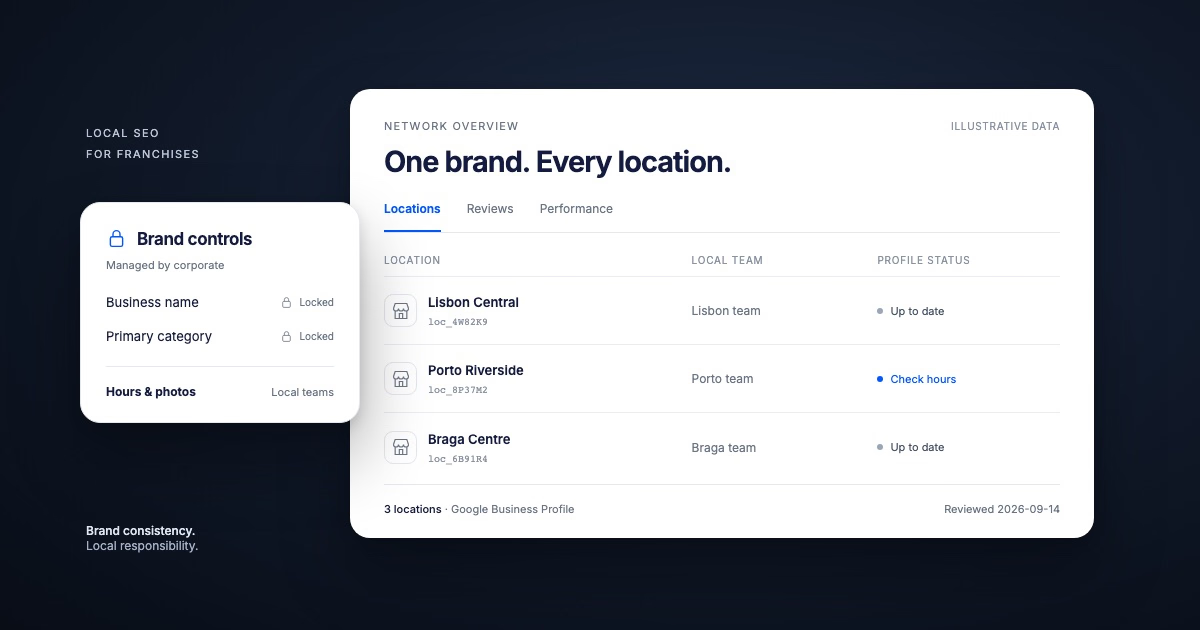
Localith’s Profile Locking adds an approval layer around the fields that matter most, including phone number, address, primary category, and hours. Changes to protected fields can be flagged for review or automatically declined instead of going live.
It will not catch every possible cause of a suspension, but it directly addresses one common and preventable risk: unreviewed edits landing on live data.
Profile Locking works best as part of a broader system instead of a setting you enable once. Localith’s guide to Google Business Profile management best practices explains the fuller operating model, including recurring reviews, standardized data, and clear ownership.
If you run more than a handful of locations, manual checks stop scaling. That is the central challenge of managing multiple Google Business Profiles. Because many unreviewed edits also trace back to account access, review who can edit your Google Business Profile.
It comes down to three habits:
- Lock important information fields.
- Assign one clear owner to review flagged changes.
- Check flagged edits on a regular schedule.
None of this guarantees you will never see another suspension, but it closes a preventable gap behind many of the causes covered above.
Conclusion: Fix it once, correctly, then close the gap
A suspended Google Business Profile can feel like a random gut punch, but you can usually identify the specific cause and file one precise appeal to get your profile back.
Be skeptical of anyone who guarantees an outcome that is not theirs to control. Put a real review layer around the fields most likely to cause the next issue.
Getting back online is the urgent job. Closing the gap that caused the suspension is what protects the business over time. Review Localith’s plans before your next important edit goes live without oversight.

Turn Google Maps SEO into a repeatable workflow. Use Localith to audit profiles, track local heatmaps, prioritize weak locations, and keep every Google Business Profile moving.
Start free trialFrequently asked questions
How do I unsuspend my Google Business Profile?
File a reinstatement request through Google’s official appeals tool, accessed through your suspension notification or the Google Help Center. Identify the specific cause first, prepare documents that match your listed business name and address, and submit a clear explanation with your evidence.
Why would my Google Business Profile get suspended?
Most suspensions trace back to a guideline violation, such as a keyword-stuffed name, ineligible category, or inaccurate address. Other causes include address-type risk, a high-risk business category, unusual account activity, or an unreviewed edit.
What’s the difference between a suspended and a disabled Google Business Profile?
A suspension applies to the listing itself and may remove or limit the profile. A disabled status is generally associated with the Google account behind the profile. If your whole account is affected rather than only the listing’s visibility, you may be dealing with an account restriction.
Why is my Google Business Profile suspended for suspicious activity?
This flag can follow rapid or frequent edits, unusual login activity, or a third-party or Google-suggested edit. Check your recent changes first. If you did not make an edit, confirm who on your team has direct access before assuming it came from outside the business.
How long does a Google Business Profile suspension typically last?
There is no fixed suspension timeline. Google says appeal reviews can take up to five business days, but complex cases may take longer. A complete first appeal helps you avoid restarting the process with an additional review.
Is it worth paying a company to get my Google Business Profile reinstated?
It can be useful if you are short on time or have already been denied for a documentation problem you cannot diagnose. These services still use Google’s free official process, so treat guaranteed outcomes or timelines as a red flag.
Should I create a new Google Business Profile instead of appealing?
Generally, no. A new profile must meet the same guidelines and does not fix the issue that triggered the original suspension. Google also says not to create a new profile for the same business while an appeal is under review. Appeal the existing profile first. If you eventually need to start over, follow our guide to setting up a Google Business Profile correctly.
Should you pay a reinstatement service?
You usually do not need to pay someone to execute the same official appeal process on your behalf. There is no hidden channel that guarantees reinstatement. Specialist help may be worthwhile when the cause is unclear or a previous appeal was denied, but guaranteed success rates and timelines should make you cautious.