

Setting up your Google Business Profile is often not enough to show up in Google Search and Google Maps. You must also audit and optimize it.
Your business name may be correct, your address may be visible, and your profile may look active enough. But small gaps in categories, services, reviews, photos, business hours, or location landing pages can quietly limit how often customers find you.
That is why a Google Business Profile audit matters. A GBP audit helps you review every important part of your listing, find missing or inaccurate information, compare your profile against local competitors, and prioritize the updates most likely to improve local search performance.
Below, I teach you what a GBP audit is, what to include in a Google Business Profile audit checklist, how to perform a manual GMB audit, and how Localith helps speed things up.

Run every Google Business Profile from one operating dashboard. Localith centralizes listings, reviews, posts, and analytics so your team can manage every location without jumping profile to profile.
Start free trialWhat is a Google Business Profile audit?
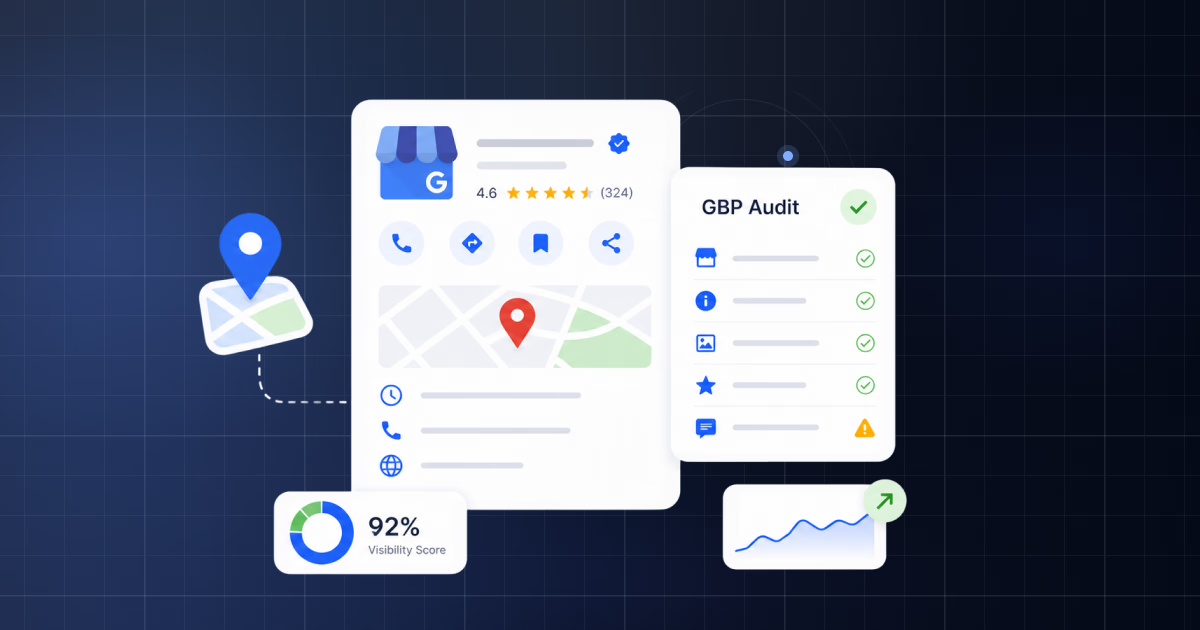
A Google Business Profile audit is a structured review of your business listing on Google that identifies what is complete, what is missing, what is inaccurate, and what should be optimized to improve your local SEO performance and Google reputation management.
You may also see this called a GBP audit, GMB audit, Google My Business audit, or Google Business Profile audit.
The names are slightly different because Google My Business was renamed Google Business Profile, but the intent is the same: check whether your profile is accurate, complete, competitive, and useful for customers.
A strong GBP audit checks:
- Business information and NAP accuracy
- Primary and secondary business categories
- Services, products, and attributes
- Business description and local keyword relevance
- Opening hours and special hours
- Photos, videos, and visual freshness
- Google reviews and owner responses
- GBP Q&A section
- Google Posts and profile activity
- Website link and location landing page
- Duplicate listings and unauthorized edits
- Local rankings and competitor benchmarks
Why a GBP audit matters for local SEO?
Your Google Business Profile is one of the most visible local search assets your business has. It can appear in Google Maps, the local pack, branded search results, and high-intent discovery searches like “dentist near me” or “best restaurant in [city].”
A GBP audit matters because it connects profile quality with local search performance. Instead of guessing why a location is not ranking or converting, you can inspect the factors that shape relevance, trust, and customer action. Pair it with your Google Business Profile performance metrics so you know which numbers the audit is meant to move.
- Local visibility: complete and relevant profiles are easier for Google to match with local searches. See our Google Maps SEO guide for the ranking factors a clean profile actually moves.
- Customer trust: accurate hours, strong photos, and recent reviews make users more likely to call, click, book, or visit.
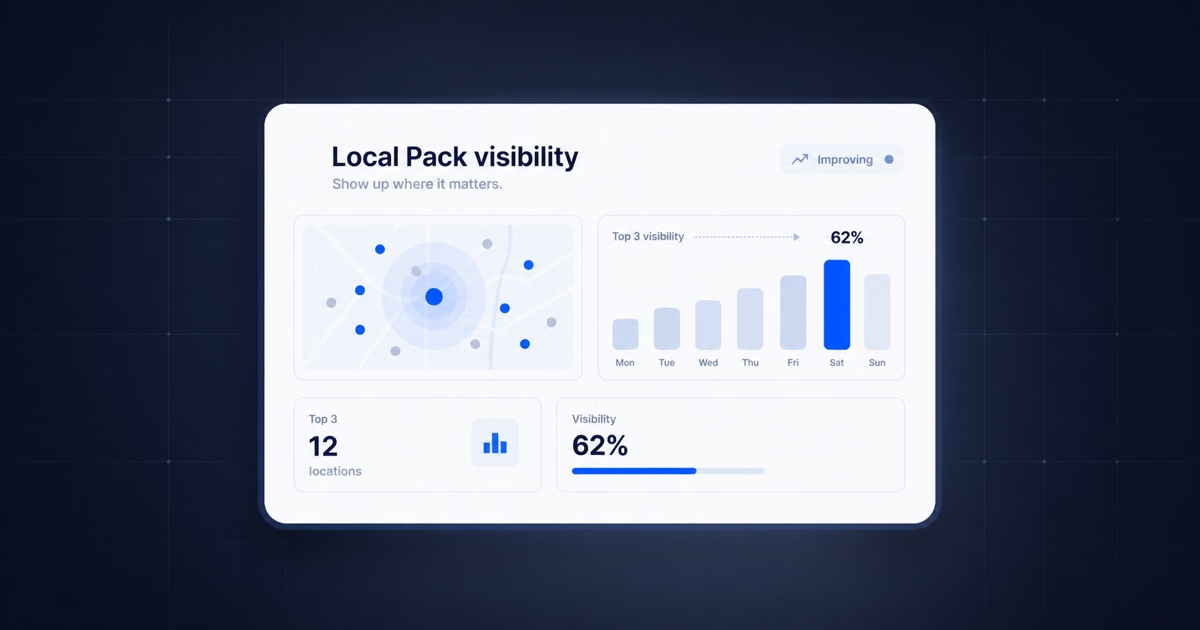
- Local pack competitiveness: categories, services, reviews, and proximity signals all affect how you compare with nearby competitors.
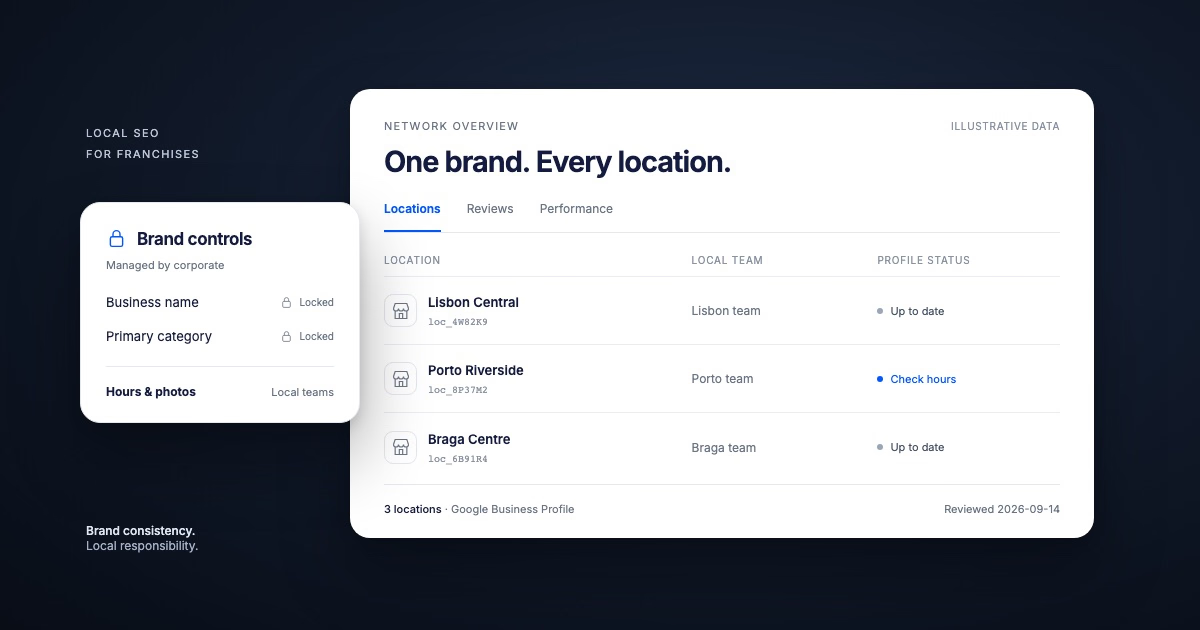
- Multi-location consistency: brands managing multiple GBP locations need every profile to follow the same quality standard.
- Conversion quality: a GBP audit does not only help rankings; it also helps turn profile views into actions.
As such, conducting a regular GBP audit is a Google management best practice you don’t want to miss out on. After all, you want to appear in front of your competition here.
Google Business Profile audit checklist
Use this Google Business Profile audit checklist to evaluate the core parts of your listing.
For multi-location businesses, repeat the same checks across every location so you can spot location-level issues and brand-wide patterns. A standardized local SEO audit checklist helps run the same review across many profiles.
How to do a manual GBP audit in 9 simple steps?
A manual GBP audit is useful when you want to understand the profile deeply or check a small number of locations. The process is straightforward, but it requires consistency.
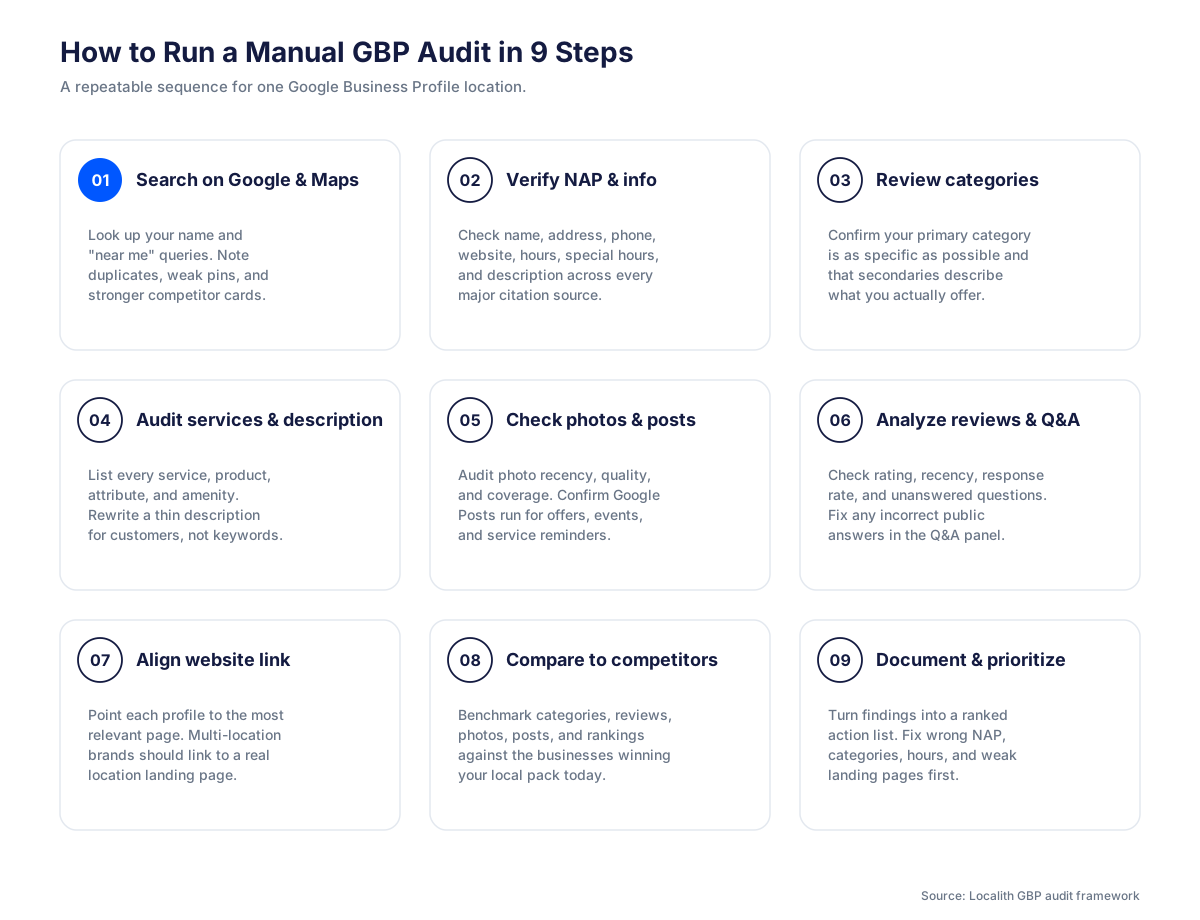
Step 1: Search your business on Google and Google Maps
Start by searching for your business name, your main service keywords, and a few “near me” style queries. Check how your profile appears in Search and Maps. Look for missing details, outdated images, duplicate profiles, incorrect pins, or competitor listings that look more complete.
Step 2: Check your business information and NAP consistency
Review your business name, address, phone number, website URL, opening hours, special hours, and business description. Your NAP details should match your website and important citation sources. Even small inconsistencies can create confusion for users and search engines.
Step 3: Review your primary and secondary categories
Your primary category is one of the most important relevance signals in a GBP audit. Compare your category setup with the top-ranking competitors in your area. Keep your primary category as specific as possible, then use secondary categories only when they accurately describe what the business offers.
Step 4: Audit services, products, attributes, and description
Check whether your GBP includes all major services, products, amenities, and attributes. If you offer emergency plumbing, teeth whitening, private dining, or same-day repairs, those details should not be missing from your profile. Your description should be clear, locally relevant, and written for customers rather than stuffed with keywords.
Step 5: Check photos, videos, posts, and profile freshness
A stale profile can look inactive even if the business is open. Review photo quantity, photo quality, recency, and whether the visuals actually show the storefront, team, products, services, or completed work. Then check whether Google Posts are being used for offers, updates, events, and service reminders.
Step 6: Analyze reviews, responses, and Q&A
Look at review count, average rating, review recency, keyword mentions, and response rate. Businesses often focus on getting more reviews but forget to respond to them. A consistent review reply workflow closes that gap. Also check the Q&A section for unanswered questions or incorrect public answers that could confuse customers.
Step 7: Check your website link and landing page alignment
Your GBP website link should send users to the most relevant page. For a single-location business, that may be the homepage or a location page. For a multi-location brand, each profile should usually link to the matching location page with local address details, services, reviews, and conversion options.
Step 8: Compare your GBP against local competitors
A GBP audit is incomplete without competitor context. Compare categories, reviews, photos, services, posts, descriptions, and ranking visibility against the businesses currently winning in Google Maps. The goal is not to copy them; it is to understand what your profile is missing.
Step 9: Document issues and prioritize fixes
At the end of the audit, turn findings into a prioritized action list. Fix high-impact items first: incorrect categories, wrong NAP details, missing services, outdated hours, poor review response coverage, weak landing pages, and duplicate listings.
How Localith helps speed up the GBP audit process?
Manual audits work, but they become slow when you manage multiple locations. Localith helps speed up the GBP audit process using its advanced Local SEO AI Agent.
Once you sign up for Localith, you can find the relevant tool under SEO Management:
Step 1: Open SEO Management in Localith
Start from the Localith dashboard and click SEO in the left menu. The first view that opens is the Local Search Grid, a geo heatmap that shows how each location ranks across a grid of nearby search points.

From the same SEO menu, click ‘Optimization’ to switch to the audit tool. This area is designed to surface the issues that hold a Google Business Profile back, including missing fields, incomplete profile areas, and optimization opportunities.
Step 2: Select the GBP location you want to audit
Choose the location you want to review. This is especially useful for multi-location brands, agencies, franchises, and local teams that need to audit more than one GBP.
Step 3: Generate the GBP optimization audit
Tap ‘Generate report’ (uses 5 credits) to run the GBP audit for your selected location. Localith turns the listing data into a structured optimization view so you can see which areas need attention.

Step 4: Review missing fields and optimization issues
Review the audit categories and identify missing or incomplete profile elements. This may include business details, categories, services, photos, profile content, or other GBP fields that should be improved. Once the audit surfaces the gaps, work through them with a Google Business Profile optimization plan that covers info, photos, posts, and reviews.

Step 5: Prioritize fixes by impact
Not every issue deserves the same urgency. Use the optimization recommendations to prioritize high-impact fixes first, then move into medium- and lower-priority improvements. This helps teams focus on changes that are more likely to influence visibility and conversions.

Step 6: Apply updates and monitor improvements over time
You can apply the necessary fixes directly through the Localith UI. Just press the ‘Review and update’ button next to individual issues. For brand-wide changes like category corrections or hours updates, bulk update tools push the same fix across every connected profile.
After applying updates, keep monitoring profile health and local visibility. A GBP audit should become part of a recurring local SEO workflow.

Turn Google Maps SEO into a repeatable workflow. Use Localith to audit profiles, track local heatmaps, prioritize weak locations, and keep every Google Business Profile moving.
Start free trialManual GBP audit vs Localith’s AI GBP audit tool
The main difference between a manual GMB audit and a Localith audit is speed, structure, and repeatability. Manual audits can be useful for a small business with one location. For larger teams, the process becomes easier when audit findings are grouped, prioritized, and monitored inside the same platform.
5 Google Business Profile audit best practices
The best GBP audits do more than point out missing fields. They help you decide what to fix first, when to run the next audit, and how to connect profile updates with local SEO outcomes.
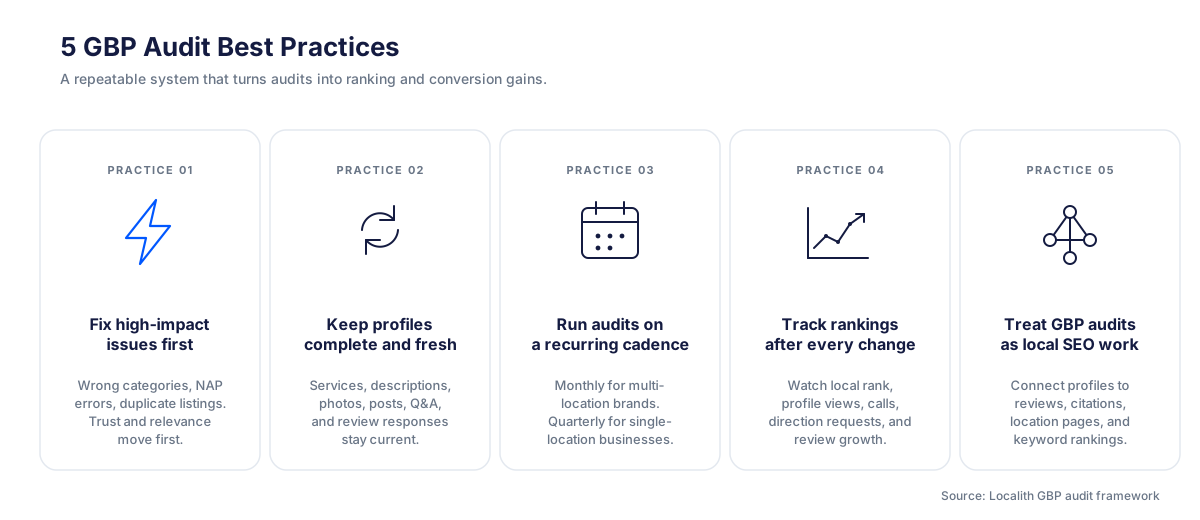
1. Fix the highest-impact issues first
Start with issues that can directly affect trust, relevance, or conversion. These usually include wrong primary categories, inconsistent NAP, outdated hours, duplicate listings, missing services, weak landing pages, and unmonitored public edits.
2. Keep profile content complete and fresh
Common GBP audit issues include missing services, thin descriptions, old photos, no posting activity, unanswered Q&A, and low review response rates. These do not always look urgent, but they add up over time and can make a profile look neglected.
3. Run audits on a recurring schedule
For multi-location brands, run a GBP audit monthly. For single-location businesses, a quarterly audit is usually enough unless something changes. You should also audit after business moves, rebrands, new services, ranking drops, seasonal campaigns, and major Google Business Profile updates.
4. Track rankings and customer actions after changes
A good audit should lead to measurable action. After making changes, monitor Google Maps rankings, profile views, calls, website clicks, direction requests, bookings, and review growth. Pair the audit with geo heatmaps so you can see whether local rankings actually move after each fix.
5. Treat GBP audits as part of local SEO, not separate admin work
Your Google Business Profile connects to reviews, citations, location pages, keyword rankings, and customer behavior. The best results come when GBP optimization is part of a broader local SEO audit process instead of a one-time listing cleanup. Pair every audit with local SEO keyword research so each profile fix maps back to the searches you actually want to rank for.
Conclusion: Run regular GBP audits to improve local visibility
A Google Business Profile audit gives you a clear view of what is helping or hurting your local visibility. It shows whether your profile is accurate, complete, active, competitive, and aligned with the searches that matter most to your business.
For a single location, a manual GBP audit can uncover useful fixes.
Multi-location teams, agencies, and brands need a GBP management tool like Localith to make the process faster by organizing GBP optimization issues inside SEO Management. That helps with prioritizing what to update first and monitoring improvements over time.
If your business depends on local search, do not wait for rankings to drop before reviewing your profile. Run regular GBP audits, fix the high-impact gaps first, and keep every location ready to compete in Google Search and Google Maps.
If you want to turn recurring audits into a tracked workflow, start a free trial of Localith and get your Google profile back on track.