New Announcing Reports Library
Agency team managing Google Business Profile clients
Built for agency teams managing GBP at scale

Manage your clients' Google Business Profiles in one workspace.

Update locations, handle review replies, schedule Google Posts, and report on performance. Start with a small client pilot or book a demo to plan a larger rollout.

Rachel Localith customer Manuel Localith customer David Localith customer

100+ brands trust Localith

Agency operations

Built for teams that deliver local search work every week

Built as scalable Google Business Profile management software, Localith gives agencies one centralized system for client delivery across listings, Google posts, review response workflows, and local SEO reporting. The goal is simple: help your team move faster without making operations messier.

Run every client from one operating layer

Connect authorized Google accounts and manage their locations from one dashboard. Use bulk updates for recurring changes, schedule content via our Google posts scheduler, and review our sibling white-label platform for dedicated client portal options.

Limit access to the locations each teammate manages

Admins have full workspace access. Editors can be restricted to selected listings. Granular controls for individual features and actions are coming soon.

Show value with outputs clients can see

Use performance exports for regular updates, or connect Claude or ChatGPT through MCP to analyze listing, review, and performance data. Check the figures before sharing the report with a client.

How agencies run it

A cleaner workflow from client onboarding to monthly reporting

The strongest agency teams show how the work gets done. Localith helps teams move from disconnected execution to one operational system that can scale across many clients without becoming chaotic.

01: Onboard each client once

Connect an authorized Google account, select the intended locations, and check teammate access before extending the setup to more clients.

02: Run recurring delivery from one queue

Handle listing edits, reply workflows, Google posts, and SEO tasks in one rhythm instead of switching tabs and rebuilding context for every client.

03: Report with proof, not busywork

Compare location performance and reviews over a defined period. Share an export or use a reporting prompt to prepare a client summary.

Product screenshot
Client visibility

Analyze connected data with Claude or ChatGPT

Connect Localith through the Claude MCP setup or ChatGPT MCP setup, then choose a prompt from the reports library. Ask for a location comparison, review analysis, or performance summary using your connected data.

  • Specify the client locations and reporting period in your prompt
  • Six read-only tools retrieve data; they cannot edit listings or publish replies
  • Requires a paid Localith account and supported AI-tool access; review the output before sharing
Asking Localith in Claude or ChatGPT for a visual report on every listing's performance
Team access

Give every team member the right access, nothing more

Set up Admin and Editor access for the people delivering client work. Follow the team-management guide and test a teammate's access before rolling out a larger account structure.

  • Keep full Admin access limited to the people who need it
  • Restrict Editors to the listings they are responsible for
  • Allow or deny posting, review replies, reporting, and business-information edits
Localith Team Members screen showing roles and listing access
Plan your pilot

Test one client workflow before adding every location

Use the 7-day trial to connect authorized locations, handle a review queue, and produce a performance export. The trial includes 100 AI credits. Compare the result with your current process, or use our GBP software buying guide to build your shortlist.

01: Define success

Choose the recurring task you want to improve and record how long it takes today.

02: Check access and output

Test listing permissions and review the published changes or exported figures with your team.

03: Scope the rollout

Bring client and location counts, AI usage estimates, and reporting requirements to an agency demo.

Custom listings view with review and SEO rank columns, saved for the team
Integrations

Works with the tools you already use.

Ask about every location in Claude or ChatGPT, or plug Localith into your automations.

Ask with AI (MCP)

Connect Localith to Claude or ChatGPT and ask about locations, reviews and performance in plain language. The connector is read-only, so nothing changes without you.

Automate workflows

Use the n8n node to sync listings and pull performance data, or Zapier to act on new reviews across 7,000+ apps.

Agency teams

Agency teams need proof their clients can recognize Not just another operations tool.

Rachel Localith customer David Localith customer Manuel Localith customer

4.4 on G2 · 100+ active brands

Multi-location
"I've really enjoyed using the product, and it's helped us immensely. The ability to update multiple locations saves us a lot of time, and the interface is better than other tools we've used. We also really like the recent updates."
Rachel Noto

Rachel Noto

Leap Tools, Inc.

Agency
"We love the AI review answering it handles tone really well and saves us a lot of manual work. That's something other tools don't offer, and you're doing a great job with it."
Manuel Miguel Romero Gonzalez

Manuel Miguel Romero Gonzalez

clicmark.com

80%

less time managing profiles (POOP 911)

320+

franchise locations from one account

4.4

average rating on G2

FAQ

Agency page FAQ

The key questions agency teams usually ask before switching their local search workflow into one platform.

It is built for both. Agencies can connect authorized Google accounts, manage locations, handle reviews, publish posts, and report on performance. Use a demo to confirm the account structure and access requirements for your client portfolio.
Yes. Editors can be restricted to selected listings. Granular controls for individual features and actions are coming soon. Admins have full workspace access. See team management and test the setup before inviting a wider team.
Use PDF or CSV exports for performance summaries. For conversational reporting, connect a supported Claude or ChatGPT account through MCP and choose a prompt from the reports library. The connector requires a paid Localith account, retrieves data through read-only tools, and does not change listings or publish replies.
You can work with connected locations from a central dashboard. If you need separate client workspaces, billing, or a particular account-switching model, bring those requirements to the demo so the team can confirm the right setup.
No. The point is that agencies can run those workflows from one operating layer instead of stitching together separate tools for every recurring task.
Yes, as a dedicated agency add-on. The white-label add-on puts your agency logo inside the workspace, sends automated report emails with your email address as the sender, and provides a custom login URL on your domain. For strategic analysis, explore our guide to white-label local SEO reports. Agencies can also pull live data through MCP into Claude or ChatGPT, or export PDF and CSV reports directly.
Yes. Partner and reseller pricing is agreed on a demo call, based on how many client accounts and locations you manage. Book an agency demo and we size the plan with you. Public plans start at $9 per month for 2 locations, plus $6.60 per additional location.

Simple pricing that grows with your locations.

  • $6.60 per extra location
  • AI credits at $0.15 each, only when you need them
  • 7-day free trial with 100 AI credits
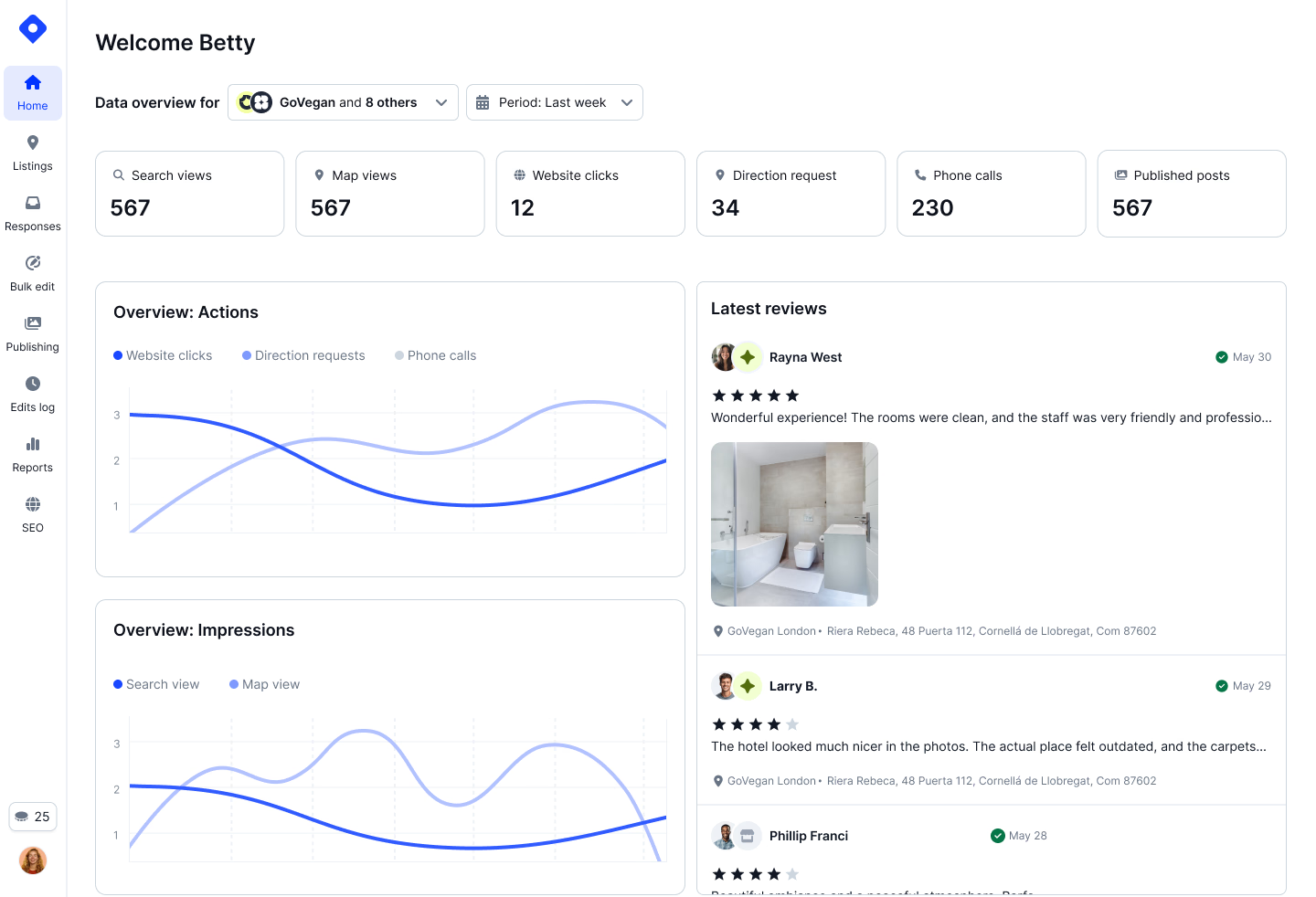
Localith dashboard

Plan your agency rollout

Connect authorized locations, work through reviews and profile updates, and create a performance export. For a larger client portfolio, book a demo to scope onboarding and partner pricing.

7-day trial with 100 AI credits on plans starting at $9/month for 2 locations; additional locations are $6.60/mo each and white-label is available as a dedicated add-on.