

If your business depends on local customers, Google Maps SEO is not a side project. It is one of the main ways people decide who to call, visit, book, or trust.
Often, it doesn’t matter if you have a complete website. For local intent searches, setting up a Google Business Profile is the more important thing to do.
That’s why I’m telling you how SEO for Google Maps works, how to improve your rankings with a repeatable checklist, and how to manage many GBP locations without losing control of reviews, updates, citations, and performance tracking.
Trust me, you will need to optimize your Google locations and start managing Google reviews for all your locations if you want your business to succeed on Google Maps.
Keep reading to find out how.

Turn Google Maps SEO into a repeatable workflow. Use Localith to audit profiles, track local heatmaps, prioritize weak locations, and keep every Google Business Profile moving.
Start free trialWhat is Google Maps SEO?
Google Maps SEO is the process of optimizing your Google Business Profile, website, reviews, citations, and local reputation signals so your business appears higher in Google Maps results and the Google Local Pack.
When someone searches for a query like “dentist near me,” “pizza in Chicago,” or “emergency plumber open now,” Google may show map-based results above traditional organic results.
Those results usually include business names, categories, ratings, review counts, hours, photos, directions, phone buttons, and website links.
Google Maps SEO vs. traditional SEO
Traditional SEO usually focuses on pages: content quality, search intent, internal links, technical performance, and backlinks. Google Maps SEO focuses more heavily on the entity behind the page: your business profile, location, categories, reviews, photos, citations, and local authority.
| Traditional SEO | Google Maps SEO |
|---|---|
| Ranks webpages in organic results. | Ranks business profiles in Maps and the Local Pack. |
| Content depth and backlinks are central. | GBP accuracy, categories, reviews, proximity, and prominence are central. |
| Often targets national or broad informational queries. | Targets high-intent local searches by city, neighborhood, or nearby intent. |
| Success is measured with organic rankings and sessions. | Success is measured with map rank, calls, direction requests, website clicks, and profile interactions. |
Google Maps, the Local Pack, and Google Business Profile
Let’s clarify a few core terms.
Google Maps is the map interface. The Local Pack is the map section that appears inside Google Search. Google Business Profile is the business listing that feeds both.
To improve Maps visibility, you need to treat your GBP as a conversion asset, not just a directory listing. If you do not have a profile yet, start with our guide on how to set up a Google Business Profile before working through this checklist.
Google reputation management requires you to optimize all your Google assets.
How Google Maps ranking works
Google says local results are mainly based on relevance, distance, and prominence. You cannot fully control all three, but you can improve how clearly Google understands your business and how confidently it can trust the signals around it.
Relevance: how well your business matches the search
Relevance is the match between a search query and your business. A specific primary category, accurate secondary categories, detailed services, products, attributes, and a clear business description all help Google understand when your profile should appear.
Distance: how close you are to the searcher
Distance is the hardest factor to influence because it depends on where the searcher is, or the location they include in the query. You cannot optimize your way around a bad physical fit, but you can make your address, service areas, and neighborhood relevance clear and consistent.
Prominence: how trusted and well-known your business is
Prominence reflects how established and trusted your business appears across Google and the web. Reviews, ratings, review responses, citations, local links, photos, website authority, and local mentions all contribute to this picture. Reviews carry real weight in that mix, which is why so many owners ask whether Google reviews help SEO.
You can even improve the process of responding to Google reviews to affect your prominence.
For instance, if you set up Localith’s AI Google review reply agent, you won’t have to worry about sending out replies, and yet your customers will get personalized care.
How to rank higher on Google Maps: 12-step checklist
The best Google Maps SEO programs are operational. They do not rely on one clever trick. They create a profile that is accurate, active, trusted, and measurable.
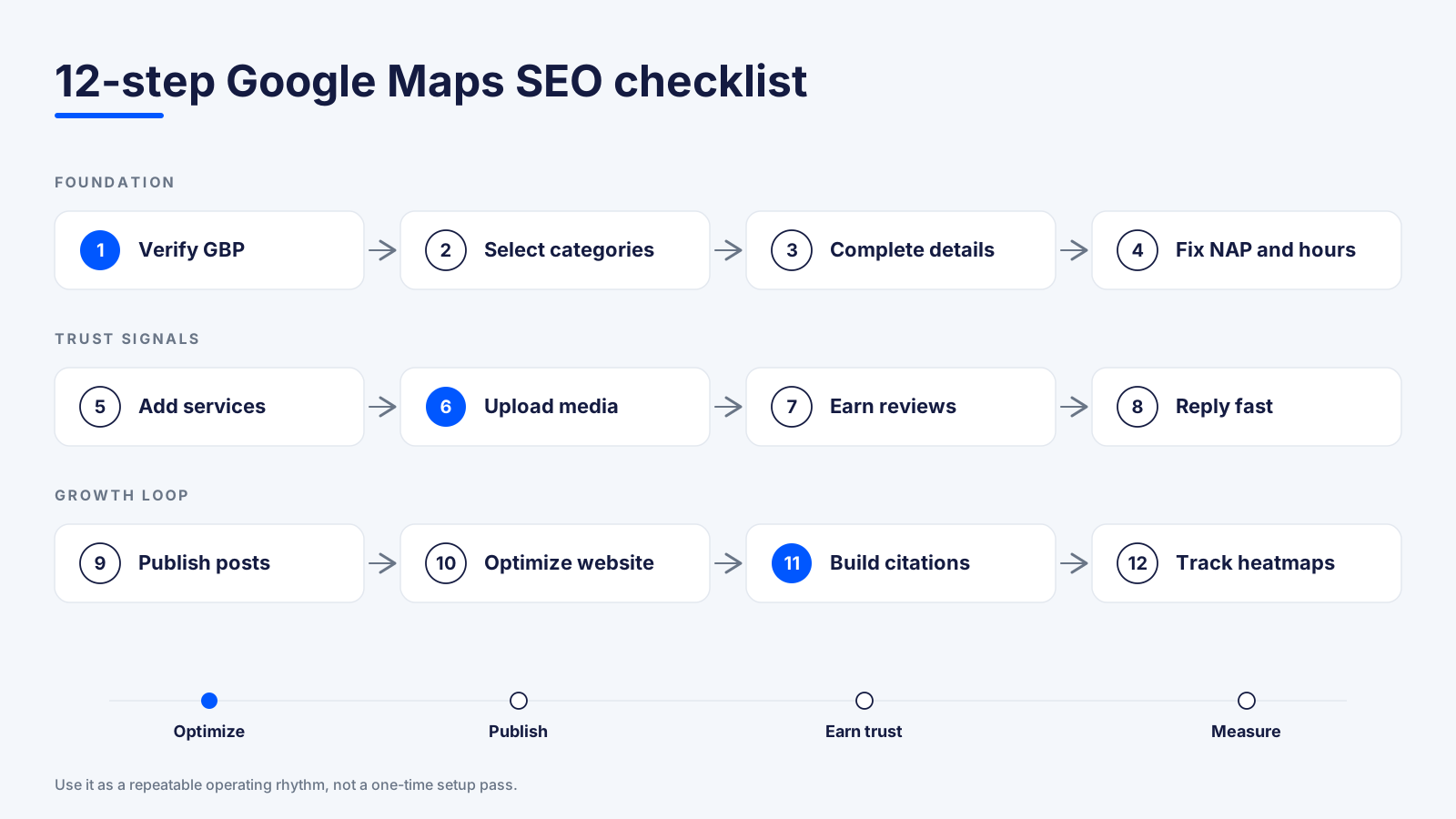
1. Claim and verify your Google Business Profile
GBP management starts with claiming your Google Business Profile and completing verification from the Google Business Profile dashboard. Without ownership, you cannot reliably edit business information, respond to reviews, publish Google posts, or protect the profile from bad suggestions.
2. Choose the right primary and secondary categories
Your primary category is one of the strongest relevance signals. Choose the most specific category that describes the main service or business type. Add secondary categories only when they accurately represent real offerings.
3. Complete every important business detail
Fill out the business name, address, phone number, website URL, hours, holiday hours, appointment links, services, products, accessibility details, payment options, and business description. Incomplete profiles create avoidable ambiguity.
4. Keep your NAP, hours, and service areas consistent
Your name, address, and phone number should match across GBP, your website, directories, social profiles, and local citations. Hours should be current, especially for holidays and seasonal changes.
5. Add services, products, attributes, and business descriptions
Use services and products to describe exactly what customers can buy or book. Avoid stuffing keywords, but include the natural terms customers use for your core offerings.
6. Upload high-quality photos and videos regularly
Photos help searchers trust the business before they click. Add exterior photos, interior photos, product photos, team photos, service photos, menus, before-and-after examples where appropriate, and fresh visuals over time.
7. Build a review strategy that improves trust and visibility
Ask satisfied customers for reviews consistently. Reddit discussions around 2026 Map Pack rankings repeatedly mention review freshness and review velocity as practical factors businesses watch closely, even when total review count is already high.
8. Respond to reviews quickly and consistently
Review responses show customers and Google that the business is active. Respond to positive reviews with specifics and handle negative reviews calmly, helpfully, and without defensiveness.

9. Use Google Posts, offers, and updates
Publish Google updates for promotions, seasonal services, events, new products, and business news. Posts may not replace core ranking factors, but they keep the profile active and give customers more reasons to engage.

10. Optimize your website for local relevance
Make sure your website supports your GBP. Include matching NAP details, location pages, service pages, LocalBusiness schema where appropriate, embedded maps on contact pages, and clear internal links from location pages to service pages.
11. Build local citations and local backlinks
Create consistent listings on trusted directories, industry sites, chamber of commerce pages, local associations, event pages, sponsorship pages, and relevant local media. Quality and consistency matter more than raw quantity.

12. Track rankings with local SEO heatmaps
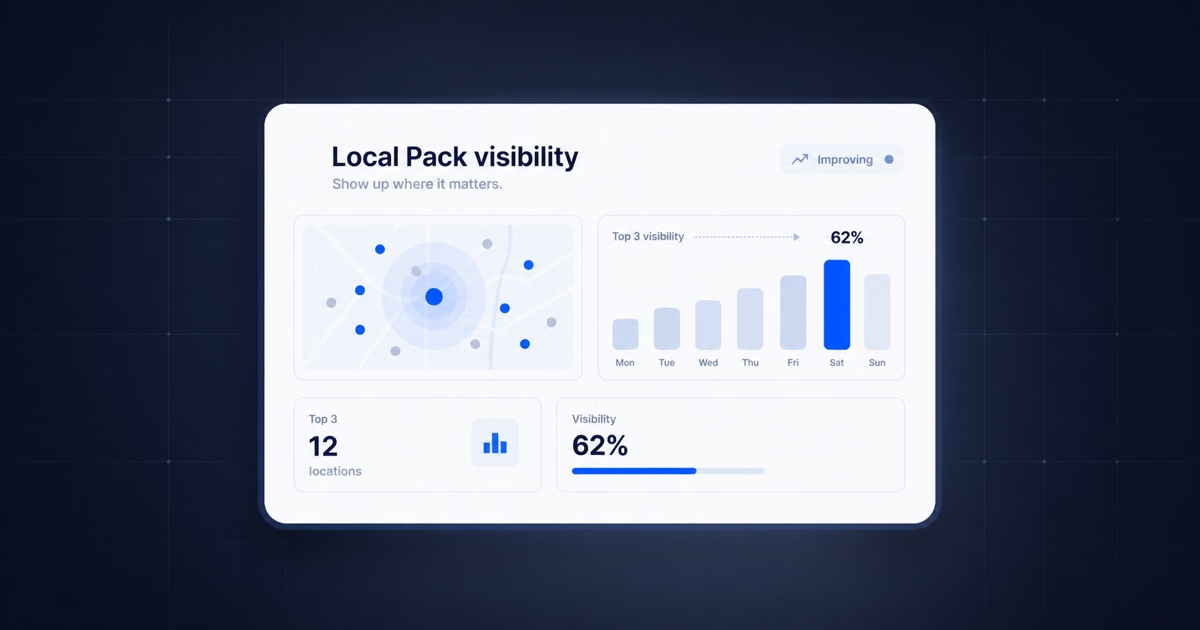
A single rank number hides local variation. Heatmaps show how a business ranks from different points around a service area, which helps you see whether visibility is strong near the location, weak in target neighborhoods, or losing ground to competitors. Use Localith’s AI SEO Agent to track all of this.

Why Google Maps SEO matters for local businesses
There are a few reasons why you should improve your Google Maps SEO. Here are the main ones:
1. It helps you win more calls, direction requests, website clicks, and store visits
Map results are built for action. Searchers can call, request directions, visit your website, check hours, read reviews, browse photos, and compare competitors without leaving the search experience.
2. It puts you in front of high-intent local searchers
Many Google Maps searches happen close to a purchase decision. A person searching for “open now,” “near me,” or a specific service in a city is often trying to choose a provider quickly.
3. It helps you compete for the top 3 Map Pack positions
The top Local Pack positions receive disproportionate attention because they appear before many organic results. If your business is stuck below the top three, the profile may still exist, but it is much less visible at the moment of decision.
Google Maps SEO for multi-location businesses
Single-location businesses can manage Google Maps SEO manually for a while. Multi-location brands need a system. The challenge is not knowing what to do; it is making sure every location does it consistently.

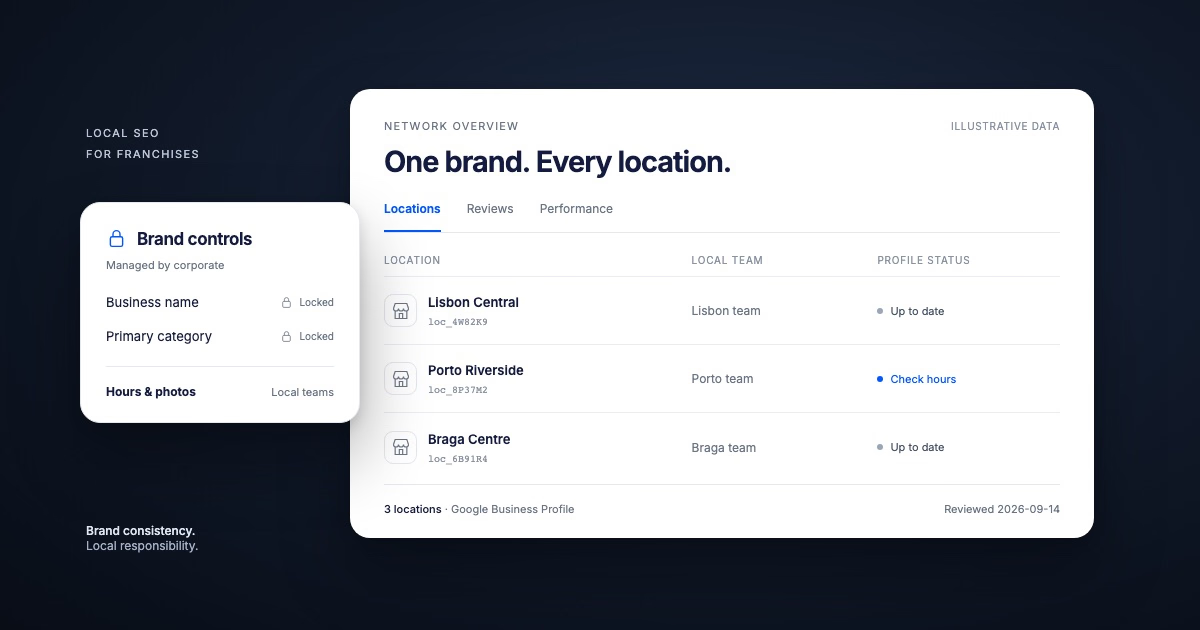
Manage bulk updates across locations
Bulk editing helps teams update hours, URLs, descriptions, services, and profile details without logging into each location separately. This matters most during holidays, seasonal changes, rebrands, service changes, and emergency updates.
Standardize review management at scale
A multi-location brand needs clear review workflows: who responds, how fast they respond, when to escalate, and how to maintain brand voice without sounding robotic.
Monitor unauthorized GBP edits
Anyone can suggest edits to a Google Business Profile. Brands should monitor name changes, category changes, address edits, phone changes, hour changes, and website URL changes before they quietly harm visibility or customer trust.
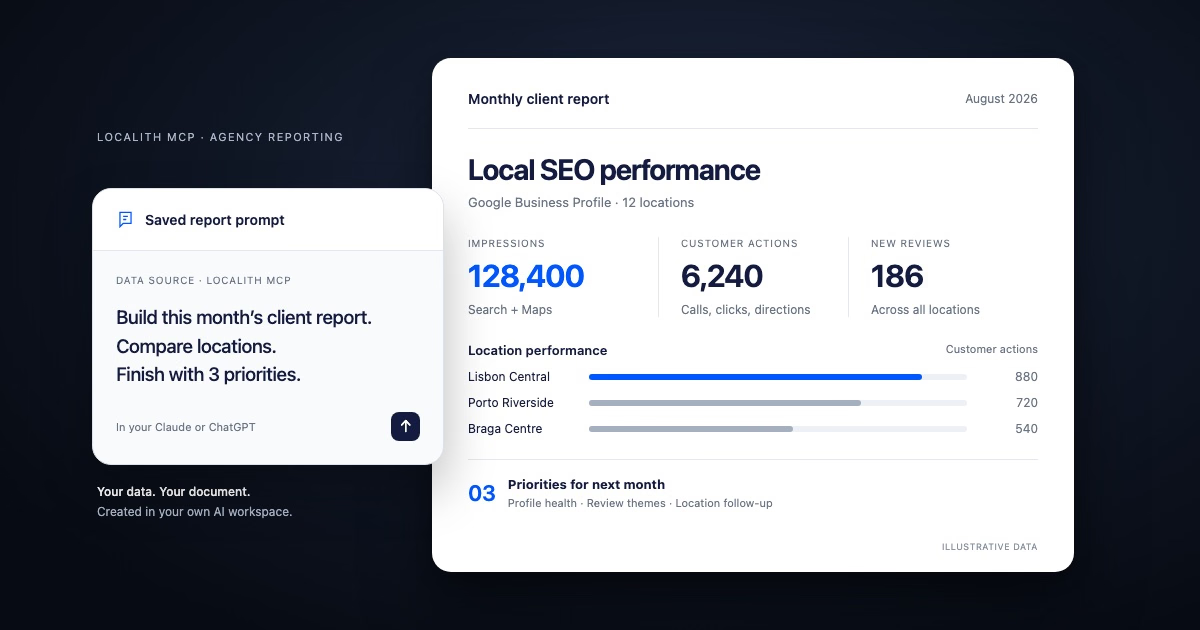
Report performance by location, region, or brand
Executives need rollups, but operators need location-level detail. A good reporting setup shows which locations are gaining visibility, which are losing map coverage, and which operational issues are holding them back.
Best Google Maps SEO tools
Managing multiple Google Business Profiles is not an easy task. You will definitely need to rely on a GBP tool to set up a system that will support all your locations.
What to look for in a Google Maps SEO tool
The best tools help with the daily work behind rankings: profile edits, review management, posts, analytics, heatmaps, citations, and reporting.
For agencies and multi-location brands, permission controls, bulk actions, and audit trails matter just as much as keyword tracking.
- Local rank heatmaps to measure visibility by search point, not just by average rank.
- GBP management for edits, posts, photos, hours, and profile details.
- Review response workflows with AI assistance and human approval.
- Citation and NAP monitoring to keep business data consistent.
- Analytics and reporting that separates location, region, and brand performance.
How Localith helps manage Google Maps SEO at scale
Localith is built for businesses and agencies that manage Google Business Profiles across many locations.
It brings local rank heatmaps, GBP updates, review workflows, posts, citations, reporting, and multi-location management into one operating layer.
With Localith, teams can move from occasional optimization to an ongoing Maps SEO workflow.
They can publish updates, respond to reviews, track local rankings, find weak areas, fix profile issues, stop unwanted GBP edits, and report progress across locations.
8 Google Maps SEO best practices to apply now
Ranking higher is only half the job. You also need to protect the ranking signals you build. Use these best practices as an ongoing maintenance checklist. They pair well with the broader Google Business Profile management best practices covering reviews, posts, and listing hygiene, and with the systematic local SEO audit checklist you run when something stops working.
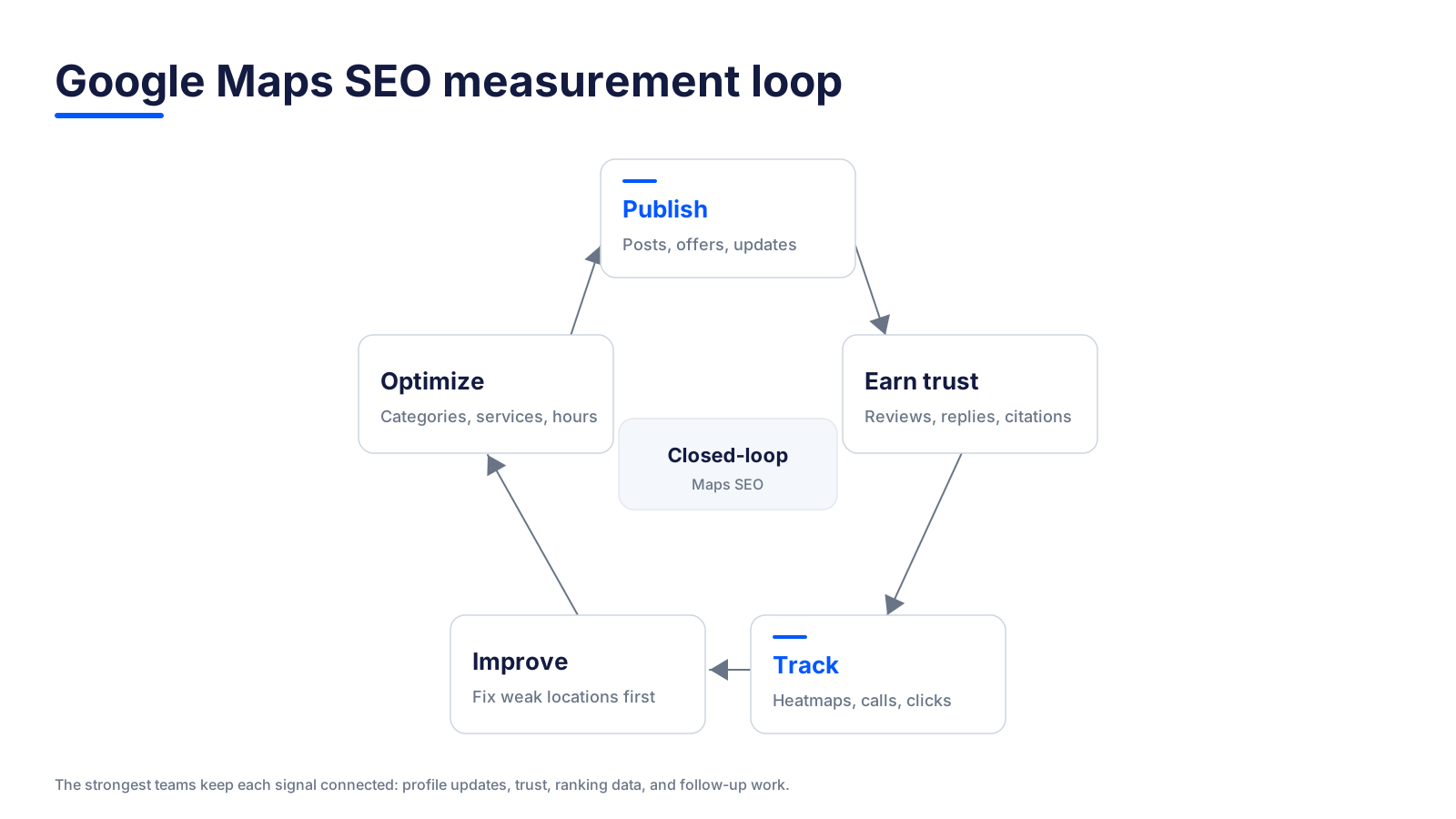
1. Use Your Real Business Name Instead of Keyword Stuffing
Do not add extra keywords to your business name unless they are part of the real-world business name. Keyword-stuffed names can create trust issues and may violate Google’s guidelines.
2. Choose Specific, Accurate Categories
Broad categories make your profile less relevant. Irrelevant categories can confuse Google and customers. Review categories quarterly and after service changes. A recurring GBP audit workflow makes this easy to repeat across every location.
3. Keep Reviews, Q&A, and Posts Active
A profile that never earns reviews, answers questions, or publishes updates can look abandoned. Regular activity helps customers trust that the business is open, responsive, and engaged.
4. Maintain Consistent NAP Across Every Listing
Small differences in names, phone numbers, or addresses can create uncertainty. Keep a master NAP record and use it consistently across every directory and profile.
5. Track Map Pack Rankings by Keyword and Location
Do not rely on one manual search from your office. Track rankings across the actual service area and monitor different service keywords separately. If you are still building the keyword set, our guide on how to do local keyword research walks through seed lists, geo-modifiers, and SERP validation.
6. Monitor Calls, Direction Requests, Website Clicks, and Profile Views
Rankings are useful, but business outcomes matter more. Compare visibility changes with customer actions to see which improvements are producing demand.
7. Measure Review Growth, Review Velocity, and Response Rate
Total review count matters, but fresh reviews and consistent responses often reveal whether a location is actively earning trust.
8. Compare Competitor Movement in Local Rank Heatmaps
Sometimes your visibility declines because competitors improve. Heatmaps make that pattern easier to see and prioritize.
Conclusion: Turn Google Maps Visibility Into More Local Customers
Google Maps SEO is not just about ranking higher. It is about making each location easier to find, easier to trust, and easier to choose when local customers are ready to act.
Start with the fundamentals: claim the profile, choose accurate categories, complete the business information, earn fresh reviews, respond quickly, publish useful updates, maintain citations, and track map rankings from multiple points in your market.
For one location, that workflow can be managed manually. For many locations, it needs a system. The brands that win in Google Maps are the ones that keep every profile accurate, active, trusted, and measurable over time.

Run every Google Business Profile from one operating dashboard. Localith centralizes listings, reviews, posts, and analytics so your team can manage every location without jumping profile to profile.
Start free trial