

Local SEO keywords are the search terms people use when they want a nearby product, service, store, branch, or professional. For a single-location business, that might mean ranking for one city and a handful of services. For a multi-location brand, it means building a repeatable keyword research system that can handle different cities, neighborhoods, competitors, Google Business Profile signals, and local search behavior without turning every location page into the same page with a new city name.
In this guide, you will learn how to do local keyword research, how to choose local SEO keywords that match real customer intent, and how a local SEO AI agent like Localith helps you validate, track, and improve keyword performance across every location you manage.

Track every keyword by location, not by national average. Localith validates which queries each branch can realistically win and flags the next action per profile.
Start free trialUnderstanding Local Search Intent
Local keyword research starts with intent. A person searching for “dentist,” “emergency plumber,” “coffee shop near me,” and “family lawyer in Chicago” may all be using local intent, but Google will not treat those searches the same way. Some keywords trigger map results, some trigger organic guides or directory pages, and some change dramatically based on where the searcher is standing.
That is why local SEO keyword research should not begin with a giant spreadsheet. It should begin with the question: what is the searcher trying to do, and what kind of result would actually help them?
What Are Local SEO Keywords?
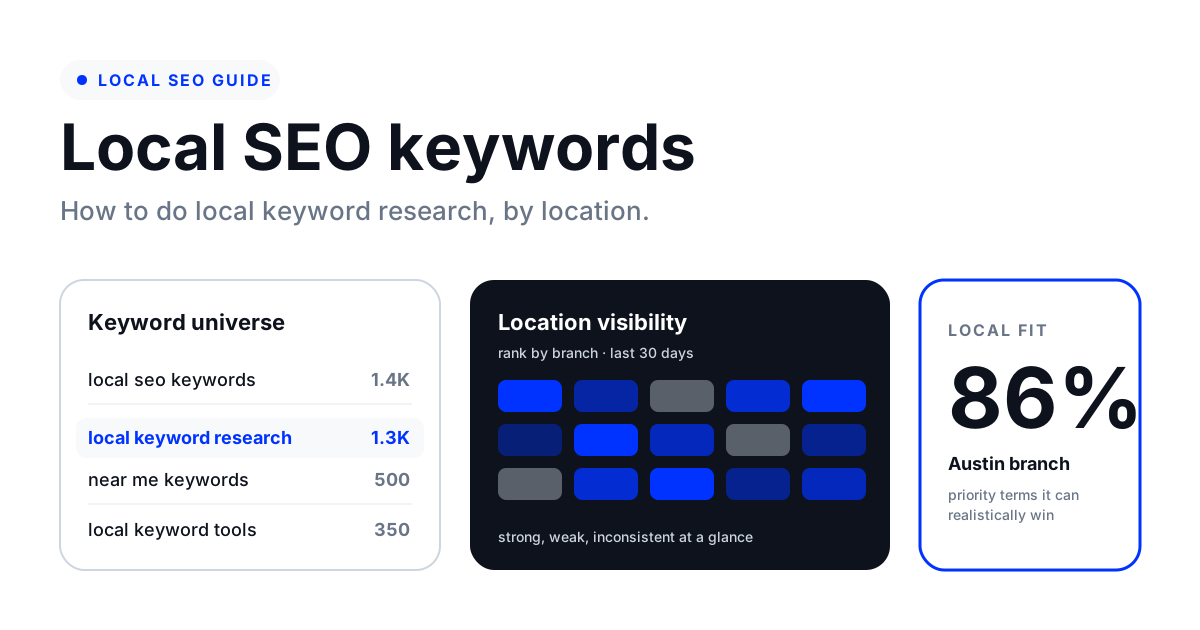
Local SEO keywords are search queries with a geographic or proximity-based intent. They help Google connect a searcher with a nearby business, service area, or location page. Some local SEO keywords include an obvious place name, such as “roofing contractor Denver” or “pizza delivery Brooklyn.” Others are local because of the service itself, even when no place is mentioned.
For example, “urgent care,” “locksmith,” “coffee shop,” and “oil change” often trigger local results because the searcher probably wants something nearby. These terms can be just as important as city-modified keywords, especially when you care about the Google Local Pack and Maps visibility.
A strong local keyword list usually includes service terms, city terms, neighborhood terms, “near me” keywords, urgency modifiers, product or category terms, competitor-adjacent terms, and customer-language phrases pulled from reviews, calls, forms, and Google Business Profile performance data.
Explicit vs. Implicit Local Keywords
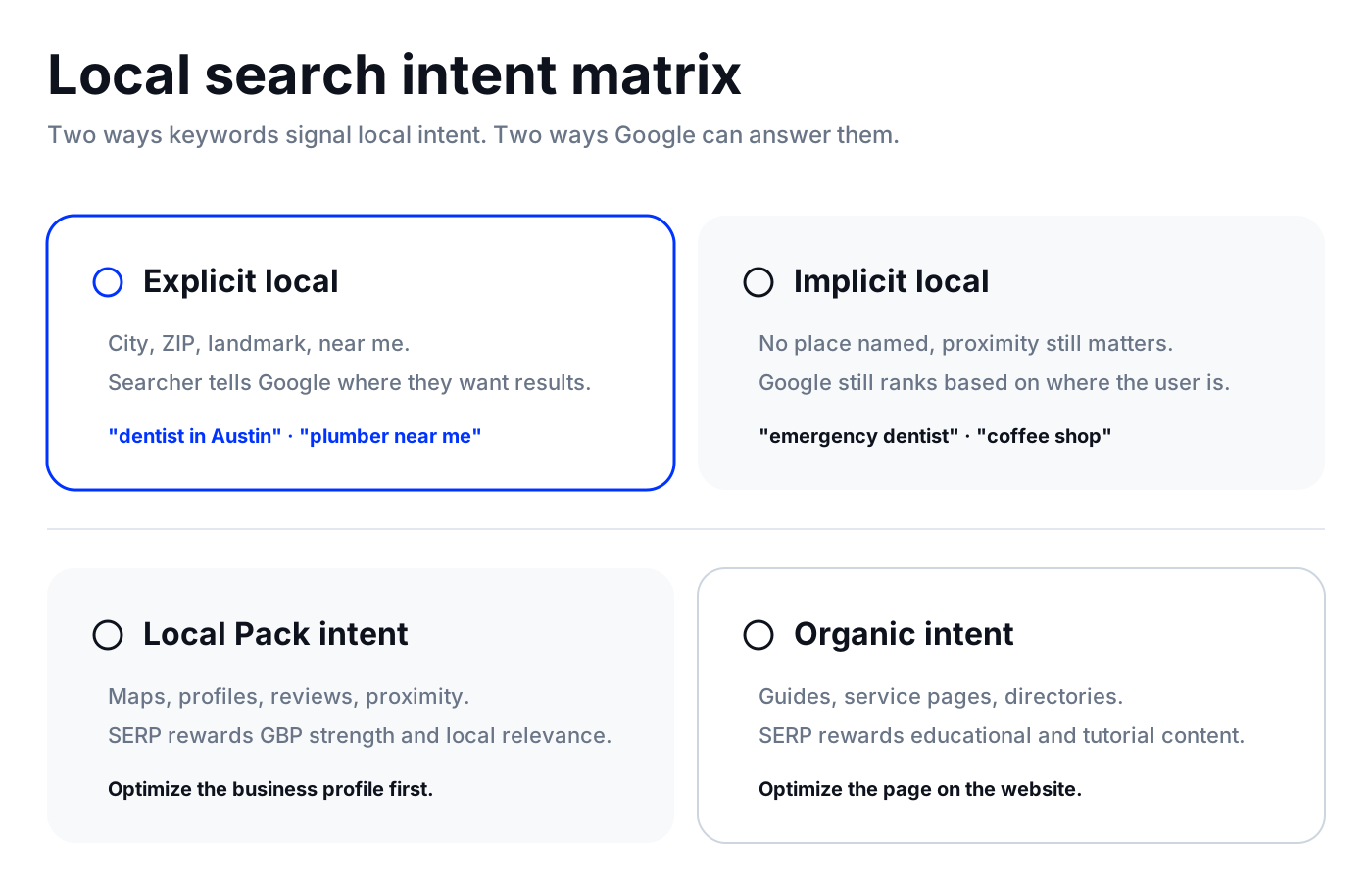
Explicit local keywords include a clear location signal. Examples include “dentist in Austin,” “best brunch downtown Nashville,” “plumber near me,” and “hotel near Fenway Park.” The searcher is telling Google where they want results.
Implicit local keywords do not include a city, neighborhood, ZIP code, or “near me” modifier, but Google still understands the local intent. Searches like “emergency dentist,” “coffee shop,” “divorce lawyer,” and “car wash” can all behave like local keywords because proximity matters to the result.
You need both. Explicit local keywords are useful for service pages, city pages, neighborhood pages, and location landing pages. Implicit local keywords are critical for Google Business Profile optimization, review signals, categories, proximity, and local rank tracking.
Local Pack vs. Organic Keyword Intent
Local Pack intent and organic intent are related, but they are not identical. A keyword can trigger a map pack, traditional organic results, People Also Ask, directories, Reddit discussions, or an AI Overview. Each result type tells you something about what Google thinks the searcher needs.
If the SERP is dominated by Google Maps, business profiles, and local directories, the keyword likely depends on proximity, GBP strength, reviews, and location relevance. If the SERP is dominated by guides, checklists, and templates, the keyword needs educational content. If both appear, you may need a page strategy that supports rankings in Maps and organic search at the same time.
This is where local SEO gets more complex than standard keyword research. You are often optimizing for two surfaces at once: the website result and the business profile result.
How to Do Local Keyword Research
The best local keyword research process is repeatable. You want a workflow that starts with how customers describe your services, expands into local modifiers, validates the SERP, maps keywords to the right pages, and then tracks real location-level performance over time.
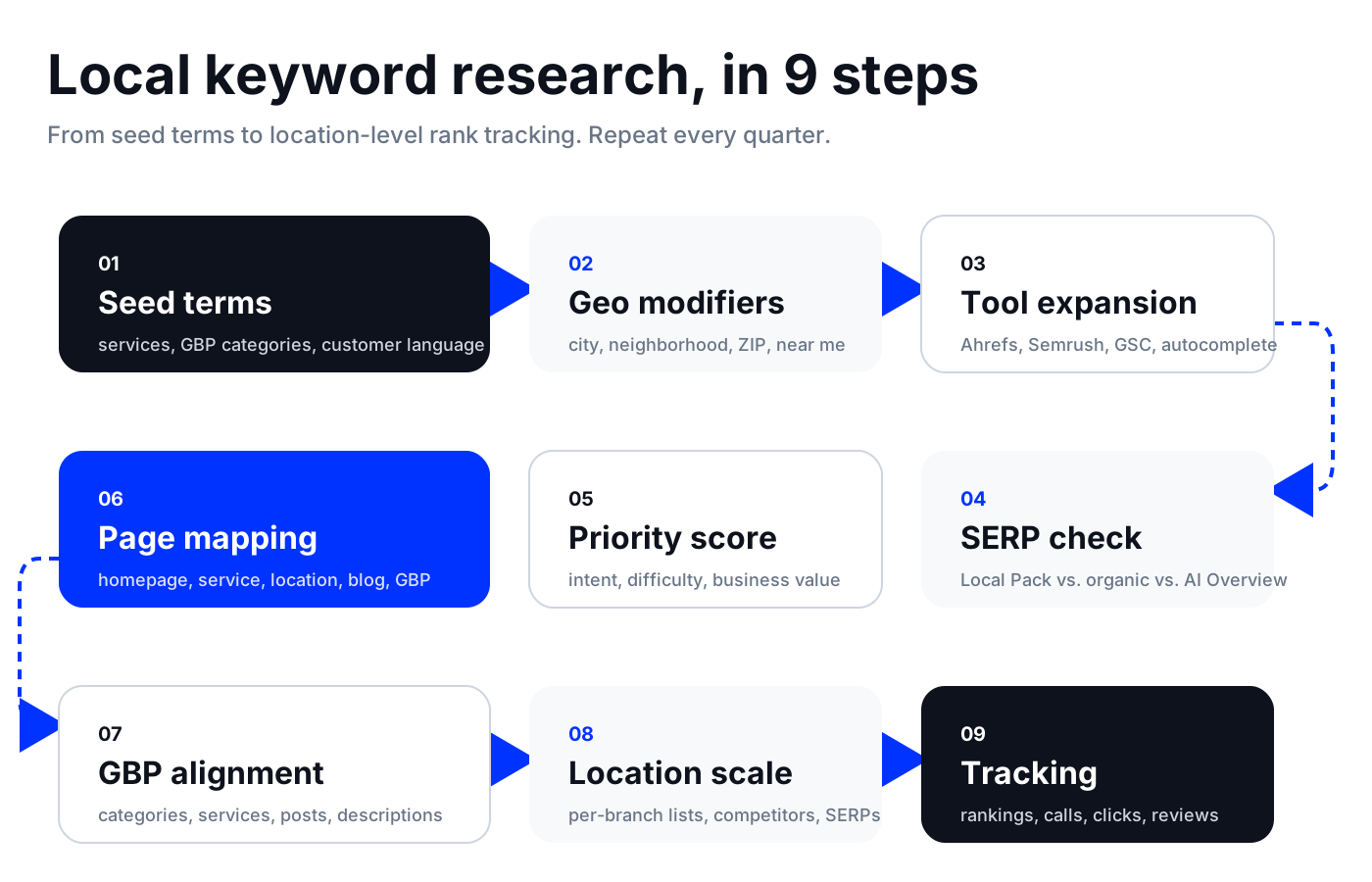
Step 1: Build Seed Keywords from Services, GBP Categories, and Customer Language
Start with the products and services the business actually offers. Pull the official service list, Google Business Profile categories, website navigation, sales call notes, form submissions, reviews, and competitor service pages.
If you run more than a handful of locations, a centralized listings management dashboard makes it easier to audit categories and services in one place instead of opening every profile in Google. Pair the seed list with a structured Google Business Profile audit so categories, services, and attributes stay aligned with the keywords you want each location to rank for.
Do not only list polished internal terms. Customers may search for the simple version, the urgent version, the problem version, or the layperson version. A clinic may call a service “aesthetic dermatology,” while customers search “skin doctor,” “acne treatment,” or “Botox near me.”
- Core service terms: dentist, plumber, legal services, med spa, storage units
- Service variations: plumber, plumbing, plumbing company, plumbing contractor
- Problem terms: leaking pipe, tooth pain, bad review removal, locked out
- Urgency terms: emergency, same-day, 24 hour, open now, walk-in
- Customer-language terms: phrases found in reviews, support conversations, and GBP Q&A
Step 2: Add Geo-Modifiers for Cities, Neighborhoods, ZIP Codes, Landmarks, and “Near Me” Keywords
Next, combine your seed keywords with location modifiers. This turns a broad keyword list into a local keyword list.
For multi-location brands, build geo-modifier sets separately for every branch or service area. Do not assume two cities search the same way. One market might use neighborhood names, another might use ZIP codes, and another might search by landmark or mall name.
- City modifiers: “plumber Chicago,” “dentist Austin”
- Neighborhood modifiers: “coffee shop Williamsburg,” “dentist downtown Austin”
- ZIP or postcode modifiers: “restaurants 10014,” “storage units 78701”
- Landmark modifiers: “hotel near Central Park,” “urgent care near campus”
- Proximity modifiers: “near me,” “nearby,” “close to me,” “open now”
Step 3: Use Keyword Research Tools to Expand the List
Use keyword research tools to find real search demand, variations, questions, and related terms. Ahrefs, Semrush, Google Keyword Planner, Google Search Console, autocomplete, People Also Ask, and local rank tracking tools can all contribute different evidence.
For this topic, Ahrefs showed the strongest keyword opportunity around “local seo keywords,” “local keyword research,” “local seo keyword research,” “how to do local keyword research,” and “near me keywords.” Those keywords should guide the article’s title, headings, intro, examples, and FAQ coverage.
Treat volume as a clue, not the whole strategy. Local keywords often look small in national keyword tools, but a low-volume service keyword can still be valuable if it converts into calls, bookings, direction requests, or store visits.
Step 4: Validate Local SERP Intent Before You Choose a Keyword
Search the keyword and study what Google shows. Is there a Local Pack? Are there organic service pages? Are directories ranking? Are Reddit or forums showing up? Is there an AI Overview? Are the top results broad guides, local landing pages, or tool pages?
The SERP tells you what kind of page you need. If Google is rewarding tutorials, write a tutorial. If Google is rewarding location pages, build a location page. If Google is showing a map pack and organic pages, optimize both the business profile and the website page.
Step 5: Prioritize Keywords by Intent, Difficulty, Business Value, and Local Fit
Prioritization is where many local SEO keyword lists become too bloated. A keyword is not automatically worth targeting because it has volume. It should match the business, the location, the customer’s intent, and a page you can realistically create or improve.
A good scoring model includes search intent, local relevance, ranking difficulty, SERP type, revenue potential, existing visibility, and whether the keyword supports a location, service, or content page.
Step 6: Map Local SEO Keywords to the Right Pages
Keyword mapping prevents cannibalization and gives each query a proper home. The homepage should usually target the broadest brand and category terms. Service pages should target service intent. Location pages should target city, branch, and nearby-service intent. Blog posts should target educational, comparison, and question-based keywords.
- Homepage: broad brand, category, and primary market positioning
- Service pages: service + city or service + intent keywords
- Location pages: city, neighborhood, branch, and nearby modifiers
- Blog posts: how-to, FAQ, comparison, checklist, and template queries
- GBP fields: categories, services, description, posts, products, Q&A, and review response themes
Step 7: Add Local Keywords Naturally Across Pages and Google Business Profiles
Once you choose the keywords, use them where they help users. Add the primary term to the title tag, H1, opening paragraph, URL when appropriate, page intro, image alt text where relevant, and internal links. Add secondary terms in subheadings, body copy, FAQ answers, and supporting sections.
For Google Business Profiles, use the language in categories, services, products, posts, descriptions, and Q&A. Do not stuff “near me” into copy. The stronger play is to improve local relevance, proximity signals, NAP consistency, reviews, and location-specific content.
If you are still setting up a profile, follow our guide on how to set up a Google Business Profile before tuning keyword fields. Once profiles are live, a scheduled Google Posts workflow keeps category-relevant language flowing without manual posting per location.
Step 8: Scale Local Keyword Research for Multi-Location Businesses
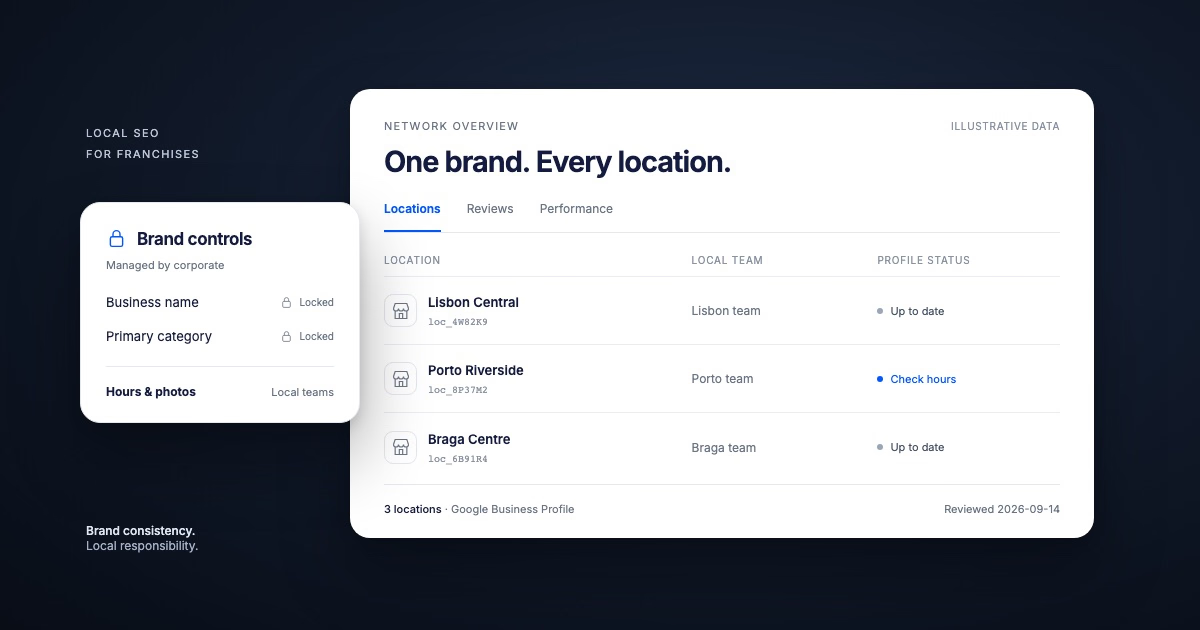
Multi-location keyword research needs a location-by-location system. Start with a shared master keyword taxonomy, then customize it for every market. Each branch should have its own geo-modifier list, competitor set, local SERP checks, Google Business Profile signals, and tracked keyword group.
Avoid duplicating the same page across every city with only the city name swapped. Google and customers both need local proof: services offered at that location, nearby landmarks, staff or branch details, reviews from that market, photos, local FAQs, and unique internal links.
Step 9: Track Rankings, Calls, Clicks, Reviews, and Direction Requests
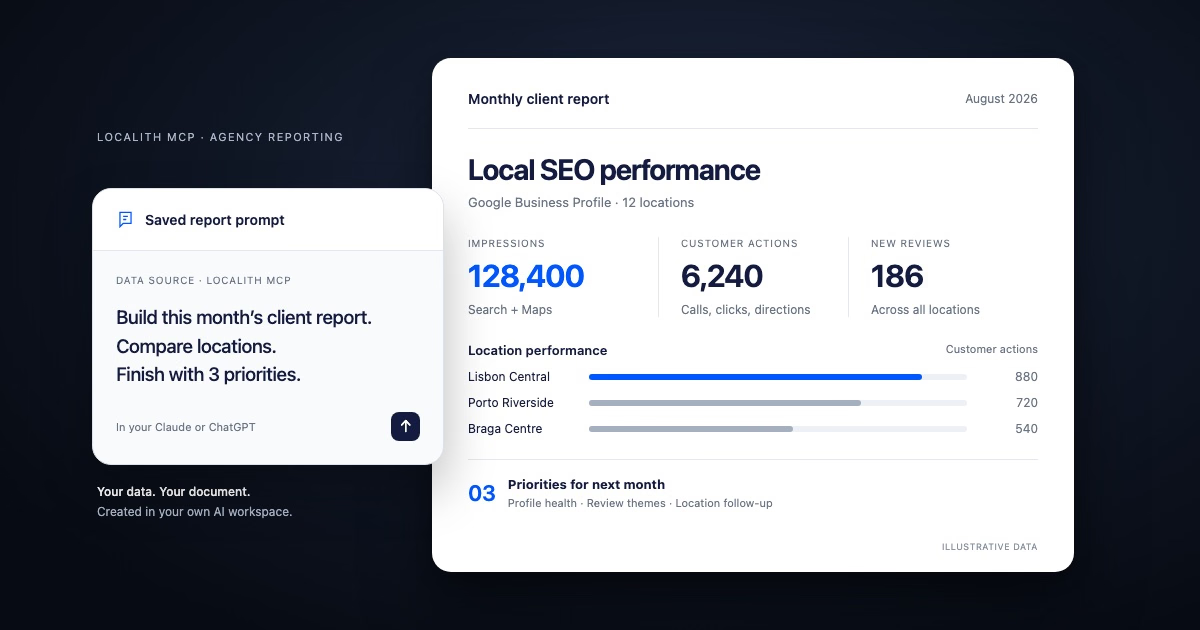
Local keyword research is not finished when the article or location page goes live. Track the keywords across real search areas, compare performance by location, and update the list when you find new queries in Google Search Console, GBP insights, reviews, and rank heatmaps. A local analytics dashboard makes location-level comparisons easier than stitching reports together by hand.
The goal is not to track every possible variation forever. Track the primary terms that reveal whether the location is winning the market: core service keywords, city-service keywords, near me keywords, and high-value urgency queries.
Why Should You Do Local SEO Keyword Research?
Local keyword research helps you stop guessing and start building pages, profiles, and content around how people actually search in each market.
- Find high-intent searches that can turn into calls, bookings, visits, and direction requests.
- Understand whether a keyword belongs to a location page, service page, blog post, or Google Business Profile optimization.
- Discover city, neighborhood, ZIP, landmark, and near me keyword opportunities competitors may be missing.
- Avoid cannibalization between service pages and location pages.
- Prioritize keywords by business value instead of volume alone.
- Improve visibility in both organic results and the Google Local Pack.
- Create a repeatable keyword system for multi-location SEO.
- Track which locations are gaining or losing visibility for the keywords that matter most.
Localith-Centric Research: Using Localith’s AI SEO Tools to Find and Track Local Keywords
Generic keyword tools can show national volume, keyword difficulty, and broad SERP competitors. Localith is useful when you need to turn those ideas into location-level local SEO execution.
Use Ahrefs or Semrush to build the first keyword universe. Then use Localith to validate how those keywords behave for specific locations, business profiles, and local search areas. This helps you move from “this keyword has volume” to “this location can realistically improve visibility for this keyword.”
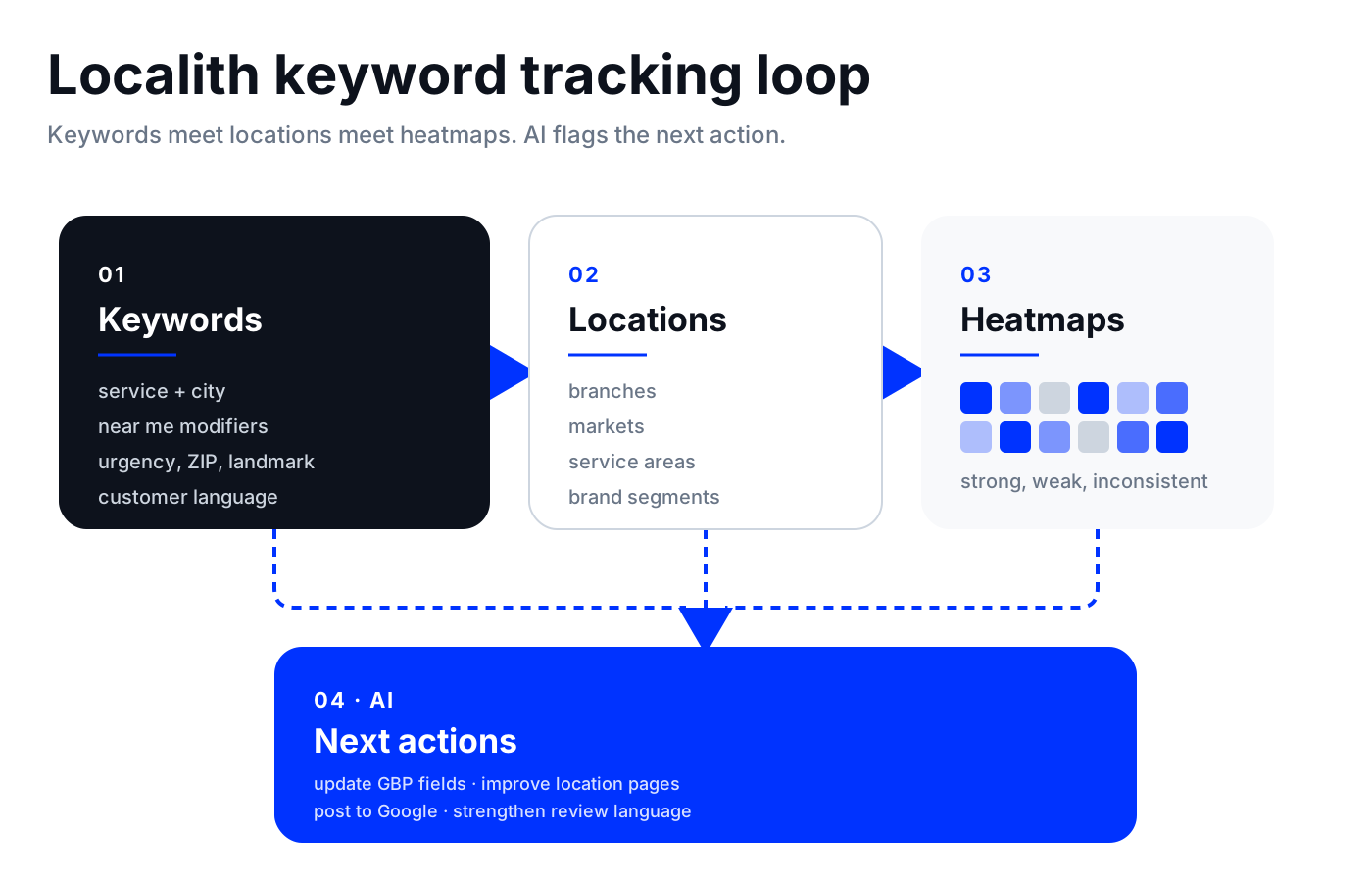
A Localith workflow can look like this: import or define the target locations, group them by market or brand segment, add the local SEO keywords you want to monitor, review location-level rank visibility, compare weak and strong markets, then use AI-assisted insights to decide which pages, GBP fields, posts, or reviews need attention.
Showcase Localith’s Tools for Tracking Local SEO Keywords
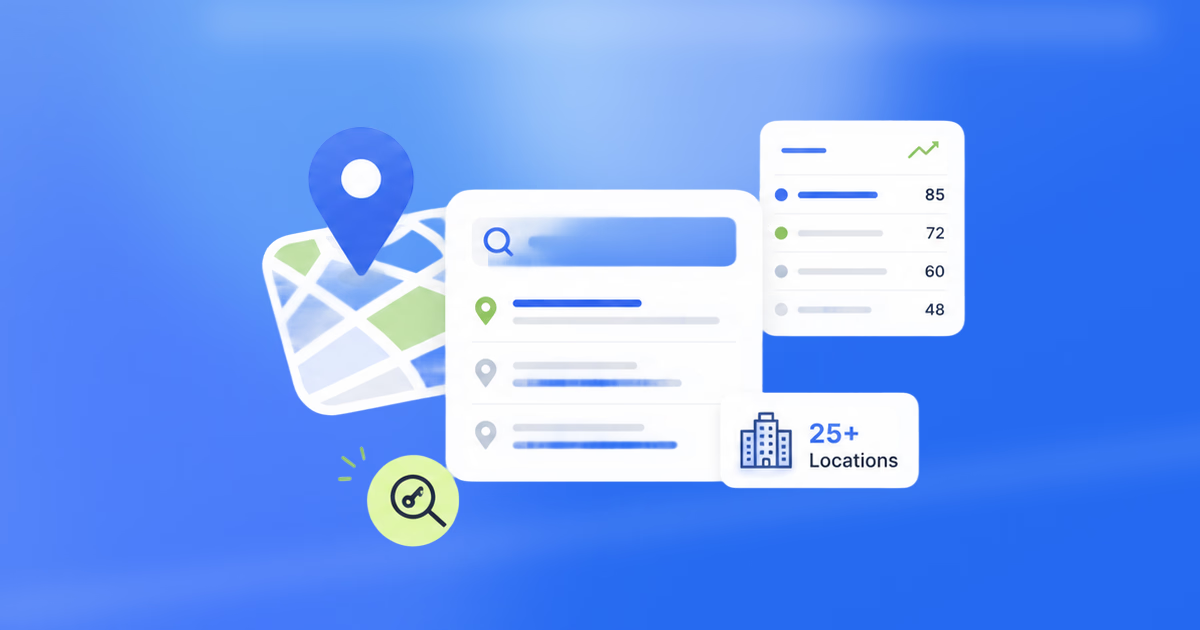
Inside Localith, local SEO keywords are tracked per location with their current rank, search demand, and the competitors winning each query.

- Track priority local SEO keywords by location, not only by national averages.
- Compare keyword visibility across branches, cities, or service areas.
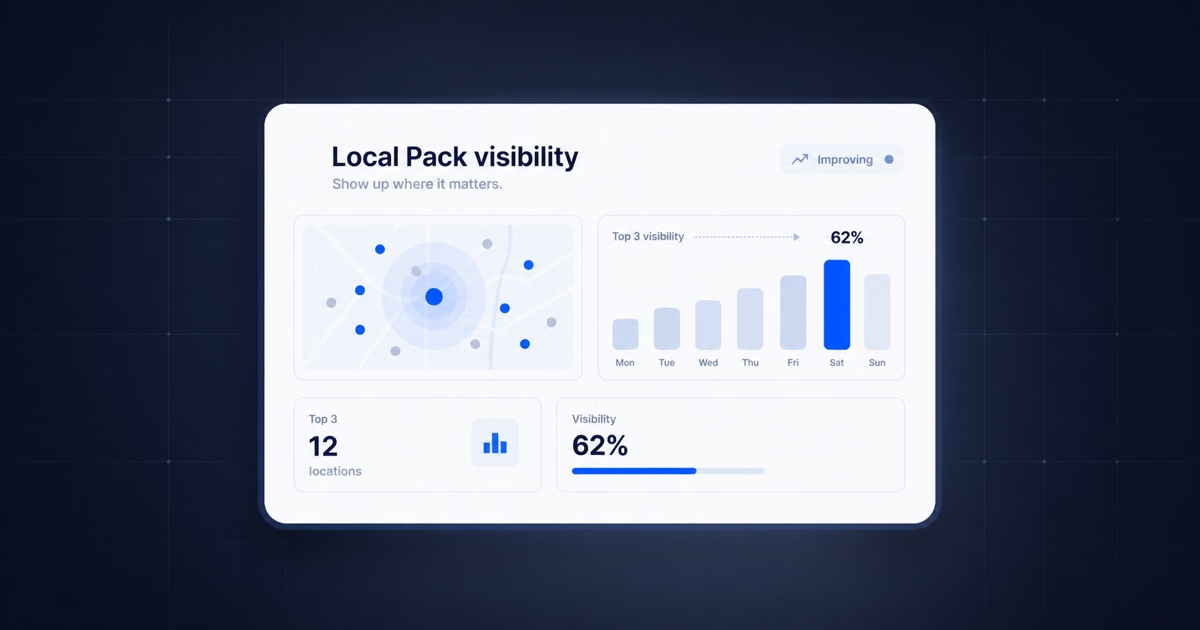
- Use local rank heatmaps to see where visibility is strong, weak, or inconsistent.

- Spot keywords where one location performs well and another needs optimization.
- Connect keyword tracking with GBP management, AI-assisted review replies, listings, and local SEO reporting.
- Use AI SEO recommendations to identify likely next actions, such as updating services, improving location pages, adding GBP posts, or strengthening review language.
This is the Localith angle: local keyword research is not just discovery. It is an operating system for measuring and improving visibility across every Google Business Profile and location page.

Turn Google Maps SEO into a repeatable workflow. Use Localith to audit profiles, track local heatmaps, prioritize weak locations, and keep every Google Business Profile moving.
Start free trialBest Practices for Local SEO Keyword Research
- Start with customer language before opening a keyword tool.
- Separate explicit local keywords from implicit local keywords so you understand what Google is likely to rank.
- Check the live SERP before assigning a keyword to a page.
- Do not target “near me” by stuffing the phrase everywhere. Build stronger local signals instead.
- Use service + city, service + neighborhood, service + ZIP, and service + landmark combinations.
- Map one primary keyword cluster to one primary page.
- Use secondary keywords naturally in subheadings, FAQs, internal links, and supporting copy.
- Create unique location pages for important markets rather than duplicating the same template.
- Track rankings at the location level, especially for multi-location businesses.
- Refresh the keyword list every few months using GSC, GBP insights, reviews, competitor pages, and local rank data.
- Prioritize keywords with business value, not just volume.
- Keep GBP categories, services, NAP, photos, posts, and reviews aligned with the keyword strategy. The same discipline applies on the listing side: see our GBP management best practices for how to keep profile data clean while you scale keyword coverage.
Conclusion: Build a Local Keyword System You Can Actually Track
Local keyword research is more than finding a few city-modified keywords. It is the process of understanding how customers search, how Google interprets local intent, where each keyword belongs, and how every location performs over time.
For a single-location business, that means choosing the right service, city, and near me keywords. For a multi-location brand, it means building a keyword system that can scale across every branch without creating duplicate pages or disconnected reports. See our guide to managing multiple Google Business Profiles for the operational side of running keyword strategy at scale.
Use keyword tools to discover demand. Use SERPs to understand intent. Use Localith to validate and track local visibility where it matters: at the location level. When visibility is uneven across locations, a local SEO audit checklist helps diagnose which ranking signals need work first. From there, you can automate local SEO across locations so the agent applies and re-checks those keywords.
If you want to turn that research into live tracking across locations, start a free trial of Localith.