

Managing Google reviews across multiple business locations can quickly turn into an operational bottleneck. When you run five, twenty, or fifty storefronts, logging into Google Business Profile Manager every morning means switching between accounts, losing track of customer complaints, and letting unread reviews pile up for weeks. For a complete operational walkthrough on permissions and notification workflows, see our guide on how to manage Google reviews for multiple locations. That lag hurts your local search rankings and drives prospective customers straight to your competitors.
If you are looking for a reliable Google review management tool, the software market offers plenty of choices. But most comparison guides either recommend outdated manual spreadsheets or push expensive enterprise suites that cost upwards of $300 per location each month.
At Localith, we built an autonomous AI review reply tool designed specifically for multi-location teams. In this guide, we break down how modern review management software works, test and compare the top eight platforms on the market for 2026, and share our five-step operational framework to keep your review response rate near 100% without spending hours typing replies.
What is Google review management software?
Google review management software is a platform that connects directly to the Google Business Profile API to centralize, monitor, analyze, and reply to customer feedback across all your business locations from a single dashboard.
Instead of relying on delayed email notifications from Google, dedicated review software gives multi-location operators four essential capabilities:
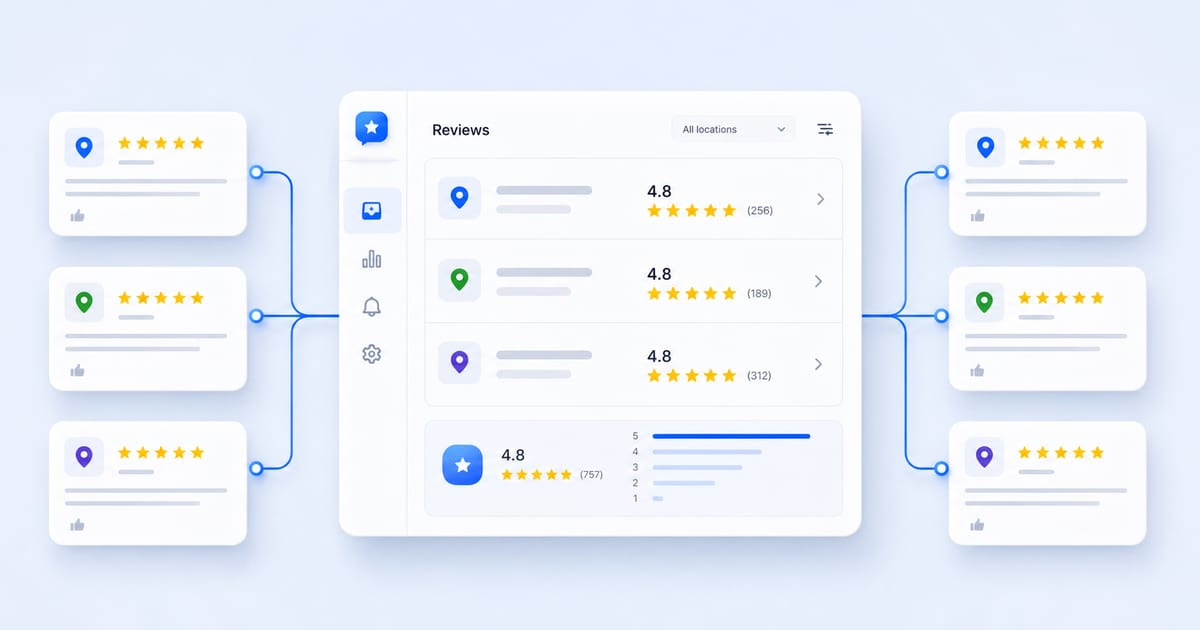
- Centralized review monitoring: Pulls in all new Google reviews across every location in real time. You see star ratings, customer text, timestamps, and location details in one unified feed.
- Contextual response automation: Uses artificial intelligence or structured approval workflows to reply to reviews quickly. Quality tools analyze the exact text of a review, mention the customer’s specific comments, and write responses in natural brand voice rather than generic templates.
- Sentiment analysis and crisis triage: Automatically flags 1-star and 2-star reviews that mention serious operational problems like poor service, food safety, or billing disputes. High-risk feedback gets routed to human managers immediately before negative word-of-mouth spreads.
- Compliant review generation: Sends automated review request invites to recent customers via SMS or email, directing happy buyers straight to your Google review link without violating Google policies.
When you manage a single storefront, checking Google Business Profile once a week might work. But once you scale past two locations, manual management breaks down. Staff forget to check notifications, replies become inconsistent, and negative reviews sit unanswered in public search results.
Quick comparison: The top Google review management tools at a glance
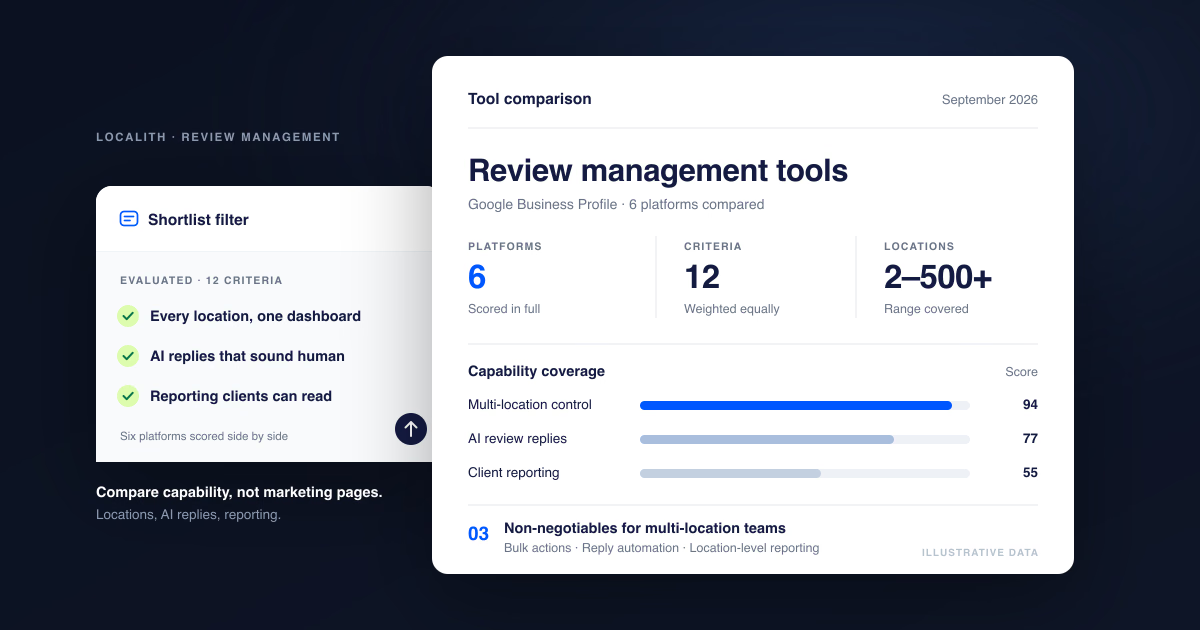
Here is how the top eight platforms compare across pricing, response automation, multi-location support, and Google Business Profile connectivity:
| Tool | Best for | Starting price | AI response automation | Multi-location scaling | GBP direct API |
|---|---|---|---|---|---|
| Localith | Multi-location GBP operations & autonomous AI replies | $9/mo (includes 2 locations; AI credits sold separately) | Autonomous AI agent (sentiment rules, 10+ languages) | 2 to 500+ locations with usage sliders | Yes (official Google API) |
| Birdeye | Enterprise multi-channel reputation suites | $299+/mo per location (custom quote) | AI-assisted response suggestions | Enterprise-grade multi-location | Yes |
| Podium | Local service businesses focused on SMS communication | $289+/mo (annual contract) | Template and AI-assisted replies | Scales across locations at premium cost | Yes |
| BrightLocal | Local SEO audits, citations, and rank tracking | $39/mo | Basic manual review tracking and alerts | Multi-location agency reporting | Yes |
| NiceJob | Hands-off review collection for home service trades | $75/mo | Basic manual response tools | Best for 1 to 5 locations | Yes |
| SOCi | Strict corporate franchise networks | $200+/mo (custom enterprise quote) | Bulk replies and corporate approval chains | Purpose-built for national franchises | Yes |
| ReviewTrackers | Enterprise customer experience and sentiment analytics | $99+/mo (custom quote) | Deep sentiment reporting and trend alerts | Mid-market and enterprise brands | Yes |
| EmbedSocial | Displaying Google reviews and UGC widgets on websites | $29/mo | Aggregates reviews for website display | Multi-account widget syncing | Yes |

Automate your Google review replies today. Set up AI-powered responses and brand voice controls for all your locations in minutes. 7-day trial with 100 AI credits. From $9/mo for 2 locations. 4.4 on G2.
Start free trialThe 8 best Google review management tools in 2026
To help you find the right fit for your budget and workflow, we evaluated each platform based on core features, pricing transparency, ease of use, and response automation.
1. Localith: Best for multi-location GBP automation and AI review replies
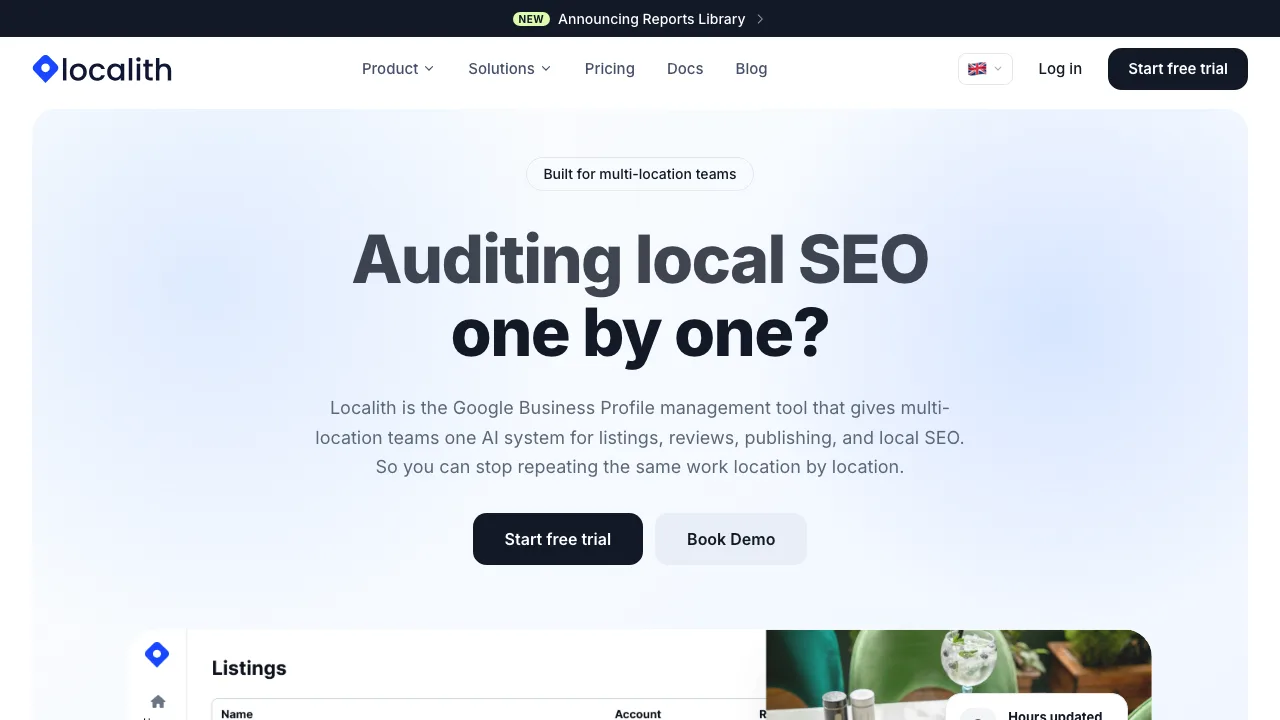
Localith is built specifically for local businesses, multi-location brands, and digital agencies that manage Google Business Profiles at scale. Unlike legacy reputation platforms that try to manage dozens of obscure directories, Localith focuses directly on the profile that drives actual revenue: your Google Business Profile.
At the core of Localith is the AI Review Reply Agent. The agent connects to your Google profiles through the official Google Business Profile API. When a new review lands, the agent reads the review, determines customer sentiment, and drafts an authentic, context-aware reply in seconds.
Localith does not use generic canned templates. If a reviewer mentions that your downtown store had fast service and great iced lattes, the reply thanks them for visiting the downtown store and specifically references the iced latte. The AI also automatically detects the language of the review and replies in the same language across more than ten languages.
For multi-location operators, Localith provides clear automation rules:
- Auto-publish for positive reviews: You can set 4-star and 5-star reviews to publish automated replies instantly, keeping your response rate at 100%.
- Human approval for critical reviews: You can set 1-star and 2-star reviews to require human sign-off. When a negative review arrives, Localith drafts a proposed de-escalation response and sends an instant alert to the store manager. The manager reviews, edits, and approves the reply with one click.
- Profile locking: Localith continuously monitors your Google Business Profiles and automatically rolls back unwanted third-party edits to your business name, address, phone number, and operating hours.
Key features:
- Autonomous AI Review Reply Agent with tone controls and custom brand guidelines.
- Multi-language response detection across 10+ languages.
- Flexible automation rules (auto-publish vs. manager approval queues).
- Centralized multi-location inbox for 2 to 500+ locations.
- Google Business Profile locking to block unauthorized edits.
- Bulk updates and scheduled posting across all locations.
Pricing: Localith starts at $9 per month, which includes 2 locations and the full management dashboard. As your business grows, you scale smoothly using transparent sliders ($6.60 per month per additional location, with discounted volume tiers for agencies and franchises). AI credits are a separate add-on at $0.15 each, and every 7-day free trial starts with 100 credits so you can test the AI agents before you commit. No long-term contracts.
Pros:
- Direct focus on Google Business Profile execution without enterprise clutter.
- True autonomous AI responses that sound human and context-specific.
- Transparent, self-serve pricing starting at $9 per month.
- No sales demo walls or annual contract requirements.
Cons:
- Focused specifically on Google Business Profiles. If you need to monitor Yelp, TripAdvisor, or Facebook reviews in the same screen, you will need a multi-platform aggregator.
2. Birdeye: Best for enterprise multi-channel reputation suites
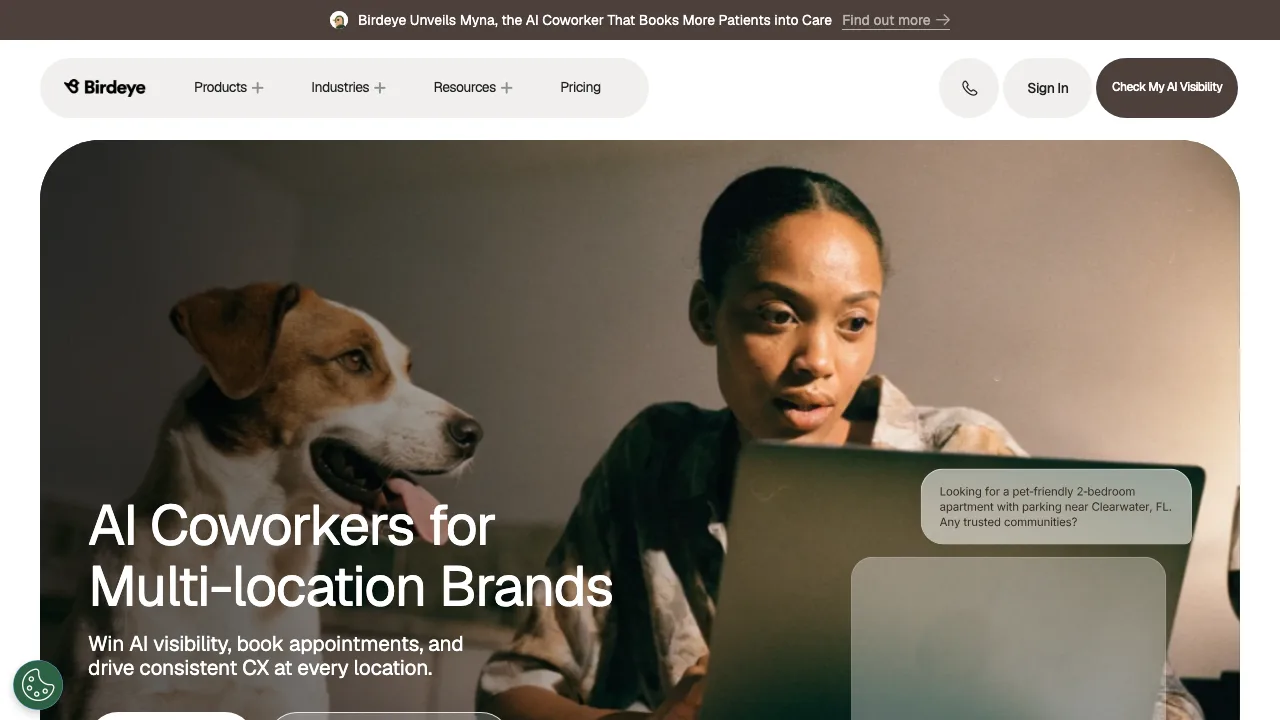
Birdeye is one of the largest reputation platforms in the local marketing space. It is designed for enterprise brands, healthcare networks, and automotive dealership groups that want a single platform to manage customer feedback across more than 150 review sites.
Birdeye offers an extensive feature set. Its “BirdAI” tool helps teams draft review responses, summarize customer sentiment across regions, and generate customer surveys. Beyond reviews, Birdeye includes web chat widgets, social media scheduling, directory listing management, and automated ticketing.
The main challenge with Birdeye is cost and complexity. Birdeye does not offer self-serve pricing. You must speak with a sales representative for a custom quote, and contracts typically start around $299 per location per month on annual commitments. For small-to-midsize businesses or growing brands with ten locations, Birdeye can represent a massive software expense with features you may never use.
Key features:
- Review aggregation across 150+ directories and social platforms.
- BirdAI response drafting and sentiment analysis.
- Multi-location ticketing system to route complaints to regional teams.
- Integrated customer experience surveys and web chat.
- CRM integrations with Salesforce, HubSpot, and industry-specific practice software.
Pricing: Custom enterprise quote only. Expect to pay $299 or more per location per month with an annual contract.
Pros:
- Complete all-in-one reputation and customer experience platform.
- Broad coverage of niche industry review sites.
- Enterprise-grade role permissions and security compliance.
Cons:
- Expensive pricing that scales aggressively with location count.
- Mandatory sales demos and annual contract locks.
- Steep learning curve for local store managers.
Comparing multi-location platforms? Read our detailed breakdown of how Localith serves as a Birdeye alternative for multi-location teams.
3. Podium: Best for local service businesses focused on SMS communication
Podium built its reputation on text-message marketing. For home service contractors, plumbers, HVAC technicians, auto repair shops, and dental clinics, Podium turns customer communication into review generation through SMS.
When a technician finishes a job, Podium can trigger an automated text message asking the customer to rate their experience on Google. Because SMS messages have significantly higher open and click-through rates than email, Podium produces high review velocity for service teams on the road.
Podium also includes review response tools, an AI response assistant, and a unified inbox that combines text messages, website chat leads, and social DMs. However, like Birdeye, Podium uses premium pricing. Starting plans begin at $289 per month, and costs increase rapidly if you add locations, message volume, or advanced phone system features.
Key features:
- Automated text-message review requests triggered by CRM or invoice completions.
- Unified team inbox combining SMS, web chat, and Google messages.
- AI-assisted review response drafts.
- Mobile payment processing via text message.
- Integrations with service CRMs like ServiceTitan, Housecall Pro, and Jobber.
Pricing: Starts at $289 per month for the Core plan, billed annually. Higher tiers cost $449 to $649 per month.
Pros:
- Industry-leading SMS conversion rates for review requests.
- Excellent mobile app for field technicians and dispatchers.
- Combines customer text communication, payments, and reviews.
Cons:
- High starting price for small teams.
- Heavy focus on SMS means less utility for walk-in retail or businesses without customer mobile numbers.
- Additional fees for SMS overages and extra users.
4. BrightLocal: Best for local SEO reporting and citation management
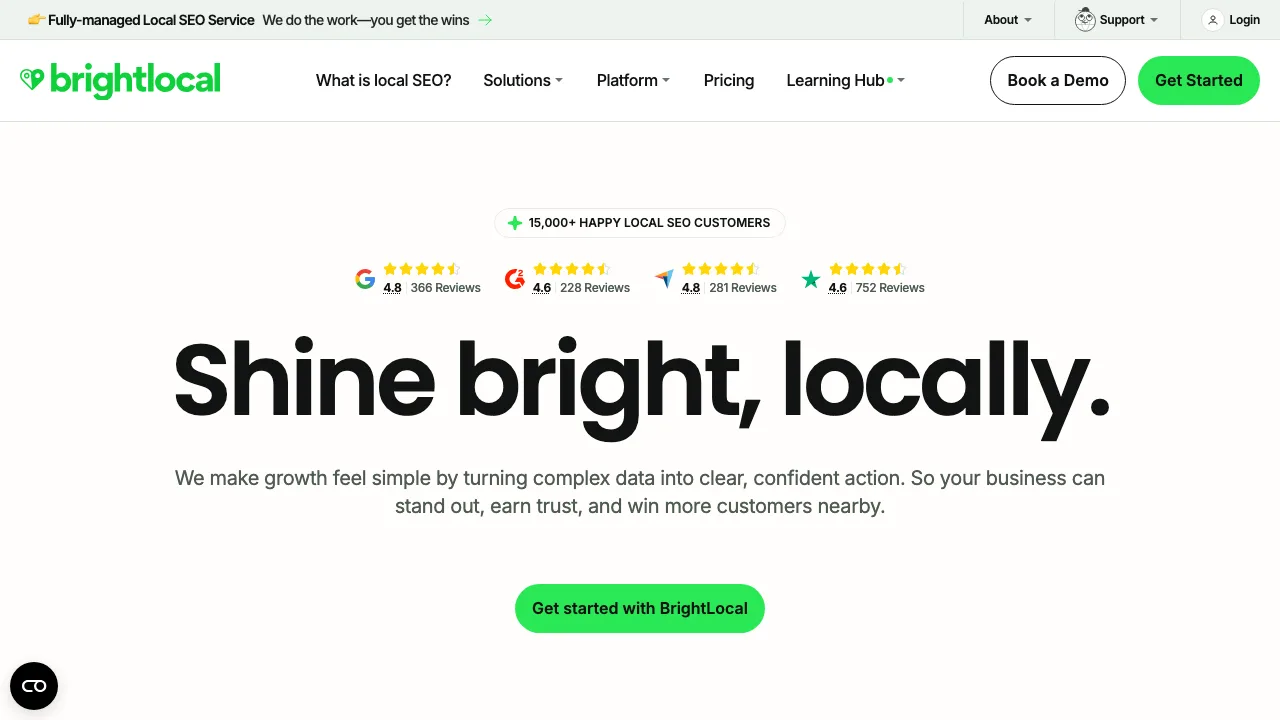
BrightLocal is a well-established toolkit among local SEO agencies and consultants. If your main goal is tracking local keyword rankings, auditing citations, and generating client-ready SEO reports, BrightLocal is an affordable choice. We break down the trade-offs in our BrightLocal alternative comparison.
BrightLocal includes a dedicated review management module called “Reputation Manager.” It lets you monitor reviews from over 40 sites, generate review links, and set up email or SMS review generation campaigns. You can also view review sentiment and respond to Google reviews directly from the dashboard.
Where BrightLocal falls short is automation. Its review response tools are largely manual. You cannot set up autonomous AI response agents that reply to 5-star reviews on your behalf, nor does it have advanced sentiment-driven escalation rules for multi-location brand headquarters.
Key features:
- Review monitoring across Google, Facebook, Yelp, and 40+ platforms.
- Local Search Grid rank tracking across geographic map coordinates.
- Citation building and local directory clean-up services.
- Google Business Profile audit and health checks.
- White-label PDF reporting for agencies.
Pricing: Software plans start at $39 per month for the Track plan. Agency plans with more location credits cost $59 to $99 per month. Citation submissions cost an extra $2 to $3.20 per citation.
Pros:
- Affordable entry price for local SEO consultants.
- Top-tier local rank tracking and grid reporting.
- Easy to package white-label reports for clients.
Cons:
- Lacks autonomous AI review reply automation.
- Review responses must be written or triggered manually.
- Dashboard can feel cluttered with ranking and citation data when you only want to manage reviews.
5. NiceJob: Best for automated review generation for home services
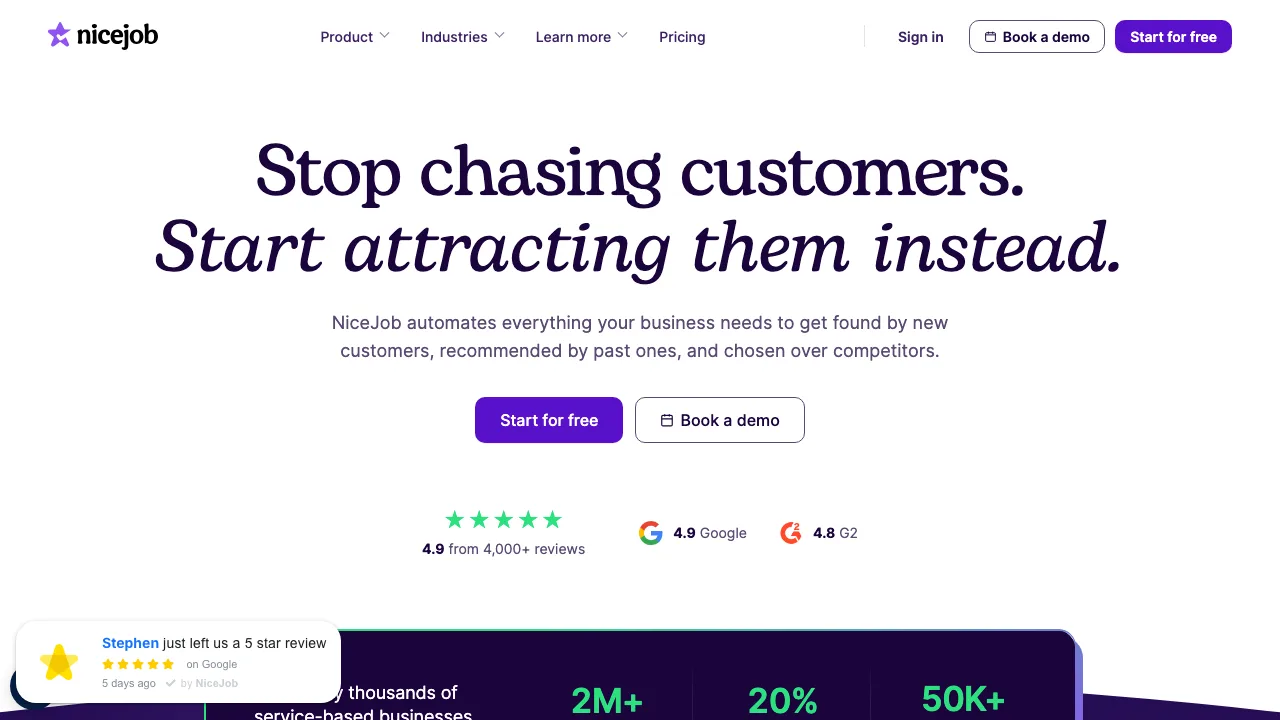
NiceJob is designed for small business owners who do not have time to run marketing campaigns. It focuses almost entirely on one job: getting more 5-star reviews on autopilot.
NiceJob connects to your billing or scheduling software (like QuickBooks, Zapier, or Square). Once a customer pays their invoice, NiceJob automatically starts a “smart invite” sequence that mixes email and SMS reminders. If a customer opens an email but does not leave a review, NiceJob follows up politely three days later with an SMS.
NiceJob also provides simple website widgets that display your newest reviews, and it can automatically share positive reviews to your company’s social media pages. However, NiceJob is built primarily for small, single-location service businesses. It does not provide advanced multi-location triage, deep Google Business Profile management, or autonomous AI reply systems.
Key features:
- Automated email and SMS follow-up sequences.
- Smart invite timing based on customer interaction.
- Website review widgets and review badge displays.
- Automatic social media sharing of 5-star reviews.
- Integrations with major small business invoicing tools.
Pricing: Standard plan starts at $75 per month for 1 location. Adding additional locations requires contacting sales.
Pros:
- Proven automated invite sequences that generate high review volumes.
- Clean interface that requires almost zero ongoing management.
- Quick setup with no technical expertise needed.
Cons:
- Limited review response tools. You must respond to reviews manually.
- Not built for multi-location enterprise brands or franchises.
- Price adds up quickly if you manage multiple independent locations.
6. SOCi: Best for corporate franchise compliance and brand safety
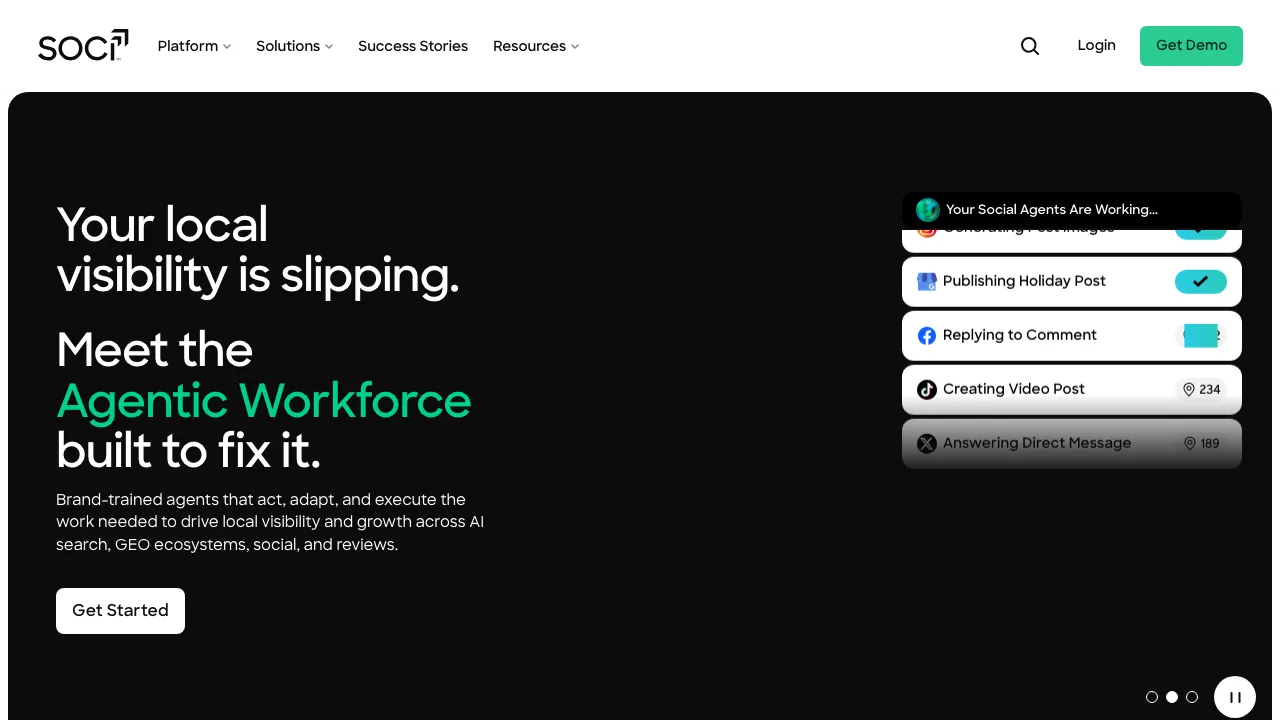
SOCi is an enterprise marketing platform built specifically for multi-unit franchise brands, multi-family housing management, and retail chains. When a corporate brand has hundreds of franchise locations operated by independent owners, maintaining brand safety and message consistency is a major challenge. We cover the same ground in our SOCi alternative comparison.
SOCi solves this with multi-tiered role permissions. Corporate brand managers can create pre-approved review response templates, set tone guardrails, and mandate that all local manager responses go through a corporate approval queue before publishing to Google. SOCi also provides regional sentiment analytics and competitive benchmarking.
For small teams or agencies, SOCi is complete overkill. It requires enterprise sales agreements, onboarding consultations, and long-term commitments.
Key features:
- Corporate vs. local franchise permission hierarchies.
- Review response workflow approval queues.
- Local social media posting and listing management.
- Regional sentiment benchmarking and performance scorecards.
- Enterprise API access and compliance auditing.
Pricing: Custom enterprise pricing based on location count, usually starting at $200 or more per month for franchise networks.
Pros:
- Built specifically for franchise brand governance and compliance.
- Strong permission controls protect corporate brands from rogue employee replies.
- Consolidated multi-location reporting for executive leadership.
Cons:
- Enterprise-only sales model with long onboarding timelines.
- Complex interface that requires formal staff training.
- Not practical or affordable for businesses with fewer than 20 locations.
7. ReviewTrackers: Best for enterprise customer experience analytics
ReviewTrackers concentrates on the operational intelligence hidden inside customer reviews. While many tools focus on review collection, ReviewTrackers uses natural language processing (NLP) to analyze customer sentiment at a deep level across enterprise chains.
The platform monitors reviews from more than 100 sites and categorizes comments into specific operational topics: wait times, staff friendliness, pricing fairness, cleanliness, and product quality. This lets regional executives spot which specific stores have kitchen issues, service delays, or cleanliness complaints before those problems destroy brand reputation.
ReviewTrackers includes response tools, custom notification alerts, and mobile apps for store managers. However, its primary strength is reporting rather than automated execution.
Key features:
- Deep customer sentiment analytics and keyword topic clustering.
- Competitive benchmarking against nearby rival storefronts.
- Real-time negative review alerts to store managers.
- Executive reporting dashboards by region, brand, or franchise group.
- Review aggregation across 100+ review platforms.
Pricing: Quote-based enterprise pricing, starting at roughly $99 to $149 per location per month for mid-market accounts.
Pros:
- Excellent natural language processing for operational insights.
- Helps multi-unit executives find real operational flaws in specific stores.
- Clean, data-focused reporting.
Cons:
- Heavy emphasis on analytics rather than autonomous AI execution.
- Quote-based sales process with annual contract requirements.
- Cost prohibitive for small businesses.
8. EmbedSocial: Best for social proof widgets and visual UGC display
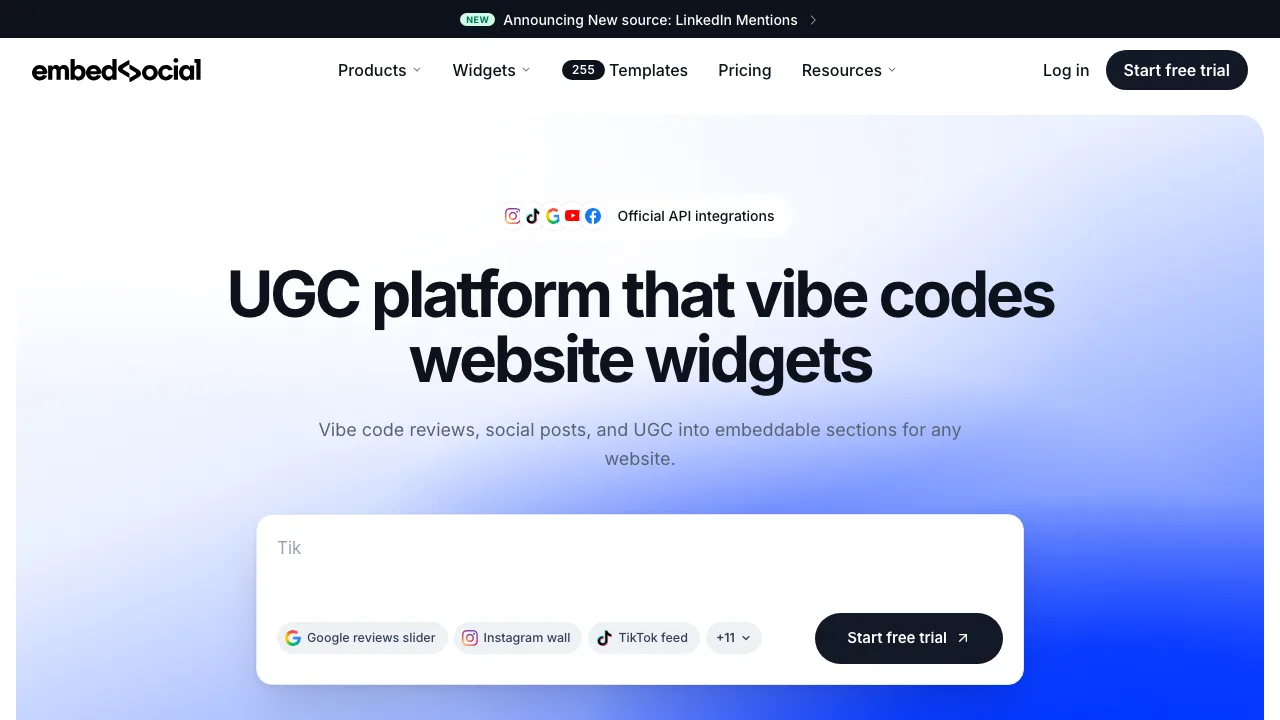
EmbedSocial takes a different approach to reviews. While operational tools like Localith focus on managing your Google Business Profile inbox, EmbedSocial focuses on collecting reviews from Google, Facebook, and Instagram to display them as conversion-boosting widgets on your website.
EmbedSocial syncs directly with Google Business Profile to pull in new reviews automatically. You can filter reviews by star rating, create interactive review carousels, display verified Google review badges on checkout pages, and embed user-generated photos directly on your site.
EmbedSocial also includes tools to request reviews via email and SMS. However, it is not an operational GBP management platform. It does not offer autonomous AI review response agents, profile locking, or multi-location GBP setting controls.
Key features:
- Over 50 customizable website review widget templates.
- Automatic sync with Google Business Profile, Facebook, and social platforms.
- Review filtering by star rating, keyword, and date.
- Shoppable UGC feeds and photo review galleries.
- Lightweight review request email campaigns.
Pricing: Starts at $29 per month for the Pro plan, with Plus and Premium tiers ranging up to $99 per month for higher source volumes.
Pros:
- Beautiful, modern review widgets that improve website conversion rates.
- Very easy to set up on WordPress, Shopify, Webflow, and custom sites.
- Reliable sync with Google reviews.
Cons:
- Built for website display, not day-to-day Google Business Profile management.
- Lacks automated AI review response capabilities.
- Does not offer GBP optimization, profile locking, or local rank tracking.
The 5-step review management framework for multi-location teams
Picking the right software is only half the battle. To maintain high ratings and protect your local search visibility, your team needs a clear operational process. Here is the five-step framework we use with multi-location operators to keep review operations fast, consistent, and compliant.
Incoming Google Review (via GBP API)
               │
               ▼
      [ Sentiment Check ]
        /             \
       /               \
Positive (4-5 Stars)   Negative (1-2 Stars)
      │                         │
      ▼                         ▼
Autonomous AI Reply       Instant Triage Alert
(On-brand, 10+ languages) (Store Manager Queue)
      │                         │
      ▼                         ▼
Auto-published to Google  Human Review & Resolution
(Under 15 minutes)        (Under 2 hours)
Step 1: Connect your Google Business Profiles via direct API
Never rely on third-party web scrapers or forwarded email notifications to monitor reviews. Scrapers break whenever Google updates its code, and email notifications frequently get delayed or filtered into spam folders.
Make sure your review management tool connects via Google’s official Google Business Profile API. Direct API integration guarantees that you receive new reviews within minutes of publication and allows your responses to post directly back to Google without manual copy-pasting. If you manage multiple locations, pairing this with Google Business Profile management software ensures that your business hours, phone numbers, and categories stay synced across all profiles. If you need to manage hours, categories, and bulk location updates across multiple listings, compare top platforms in our guide to the best Google Business Profile management tools.
Step 2: Establish the 80/20 response rule
The biggest mistake multi-location operators make is treating every review the same way. Trying to write unique, manual replies to fifty 5-star reviews every week drains manager time, leading to burnout and abandoned inboxes.
Instead, apply the 80/20 response rule:
- Automate the 80% (Routine Praise): 4-star and 5-star reviews with positive comments account for roughly 80% of your incoming volume. Use an AI Review Reply Agent to analyze customer mentions, craft a warm, personalized response, and publish it automatically within 15 minutes.
- Triage the 20% (Critical Feedback): 1-star, 2-star, and unrated complaints represent the critical 20%. These reviews should never be answered by a generic bot. Route them directly to an approval queue where a store manager or customer support lead reviews the situation, checks customer history, and provides a thoughtful resolution.
Step 3: Implement an SLA response time
Response speed matters to both customers and search engines. A prompt response demonstrates that your business values feedback and is actively managed.
- Positive reviews: Aim to reply within 24 hours. Automated AI tools make this instant.
- Negative reviews: Aim to acknowledge and respond within 2 to 4 hours. Quick responses catch unhappy customers before they vent on social media or file credit card chargebacks.
When responding to negative reviews, follow a simple three-sentence recovery framework:
- Acknowledge the customer’s frustration directly without making excuses.
- State your company’s standard for customer service.
- Provide a direct, offline contact method (phone number or dedicated email address) to resolve the issue privately.
Step 4: Automate ethical review generation
Google’s local search algorithm places substantial weight on review velocity and recency. Having five hundred reviews from two years ago is not as impactful as receiving fifteen fresh reviews every week.
Set up post-transaction triggers to ask for feedback when customer satisfaction is highest:
- Service businesses: Trigger an SMS review invite 30 minutes after a technician marks a job complete.
- Restaurants and retail: Print customized QR codes on physical receipts or table tents directing diners straight to your review URL.
- E-commerce and appointments: Send an email review request 24 hours after service delivery.
Always send customers directly to your Google review short-link (https://g.page/r/[your-id]/review), which opens Google’s review dialogue box with a single click.
Step 5: Turn review keywords into local SEO ranking power
Reviews do more than build customer trust. They directly influence your Google Maps rankings.
Google’s search engine scans customer review text for descriptive keywords. When prospective customers search for specific services, like “best gluten-free bakery near me” or “emergency water heater repair,” Google highlights businesses whose reviews mention those exact phrases, displaying a small badge that reads: “Review mentions gluten-free options.”
By providing stellar service and encouraging customers to mention what they ordered or what problem you fixed, you feed Google’s algorithm fresh relevance signals. Coupling review management with an AI local SEO agent helps you track which review keywords are driving ranking gains in your target neighborhoods.
Google review policy compliance: Rules every business must follow
Automating your review management comes with legal and platform responsibilities. Violating Google’s policies or federal regulations can result in wiped reviews, suspended Google Business Profiles, or severe government fines.
Keep these three compliance rules front and center:
1. Say no to review gating
Review gating is the practice of asking customers whether they had a good or bad experience, and then filtering the results: sending satisfied customers to Google to leave a public review, while diverting unhappy customers to a private feedback form.
Google’s official guidelines strictly prohibit review gating. If Google detects that your software is filtering review requests based on customer sentiment, they can remove all your reviews and suspend your profile. Ensure your review request tools send all customers to your public review link regardless of their initial feedback.
2. Comply with FTC rules on fake reviews and incentives
The Federal Trade Commission (FTC) enforces strict rules regarding online reviews:
- No paid reviews: You cannot offer gift cards, discounts, free products, or cash in exchange for Google reviews.
- No employee reviews: Staff members cannot write reviews for their own employer without clear, prominent disclosures.
- No fake reviews: Using software or outside agencies to generate fake reviews can result in civil penalties exceeding $50,000 per violation.
Authentic, steady review growth from real paying customers is the only sustainable strategy.
3. How to remove spam and fake reviews legally
You cannot delete a negative Google review simply because you disagree with the customer’s opinion. However, you can request removal if the review violates Google’s prohibited and restricted content policies, such as:
- Harassment, hate speech, or offensive language.
- Conflict of interest (e.g., a direct competitor posing as a customer).
- Off-topic rants or spam advertising unrelated products.
- Reviews posted to the wrong location.
To dispute a review, open Google Business Profile Manager, locate the review, click the three dots, and select Report review. If Google’s automated filter rejects the request, you can appeal the decision through Google Business Profile support with photographic evidence, receipts, or call logs demonstrating the violation.
How to choose the right review software for your business size
Software that works well for a solo contractor will frustrate a national franchise marketing team. Use this guide to select the tool that matches your operational footprint:
Single location businesses (1 location)
If you operate a single storefront, start with Google Business Profile Manager directly. It is free and provides basic email alerts. If you want automated rank tracking and citation clean-up alongside manual review tracking, BrightLocal ($39/mo) offers great value. If your main challenge is getting more reviews for a service trade, NiceJob ($75/mo) will automate your invite campaigns.
Growing brands and agencies (2 to 20 locations)
Once you manage two or more locations, manual checking becomes too slow. Localith ($9/mo for 2 locations + $6.60/mo per additional location) is the top choice here. You get autonomous AI review replies, multi-location review monitoring, profile locking, and bulk updates without paying enterprise fees.
Enterprise franchises and national chains (20 to 500+ locations)
For large organizations with strict legal departments and franchise hierarchies, platform governance is vital. Localith handles high-volume GBP review execution with ease and offers custom enterprise usage tiers. If your company also requires multi-channel review aggregation across 100+ secondary directories, social listening, and customer satisfaction surveys, enterprise suites like Birdeye or SOCi provide the corporate oversight you need.
Marketing agencies managing multiple client profiles
Agencies need multi-client organization, white-label reporting, and fast client onboarding. Localith allows agencies to manage dozens of client Google Business Profiles from a single workspace, automate routine replies on behalf of clients, and keep local listings protected from malicious edits.

Reply to every review across all locations with AI that matches your brand voice. Drafts on-brand responses, routes replies for approval when you turn that on, and works across every location. 7-day trial with 100 AI credits. From $9/mo for 2 locations. 4.4 on G2.
Start free trialFinal verdict: Build a review system that runs on autopilot
Staying on top of Google reviews should not require spending ten hours every week copy-pasting generic thank-you notes, nor should it force you into a $3,000-a-month enterprise software contract.
The winning approach for multi-location businesses is simple:
- Centralize your Google Business Profiles into a single API-connected inbox.
- Automate routine 5-star praise with an intelligent AI response agent.
- Escalate critical 1-star complaints to local managers immediately.
- Keep your profiles locked against unauthorized edits.
If you are ready to stop managing reviews manually and boost your local search presence across all your locations, explore the plans for multi-location teams and start your 7-day free trial today.