

Managing five, fifteen, or fifty locations one login at a time does not scale.
Google’s answer is a feature called a business group, not a “location group,” which is a different Google product entirely. We will clear up that mix-up below.
If you want to know what a Google Business Profile group actually is, why it matters, how to set one up the standard way, and how Localith’s location management platform extends it, keep reading.

Reply to every review across all locations with AI that matches your brand voice. Localith drafts on-brand responses, routes sensitive reviews for human approval, and publishes replies in any language.
Start free trialWhat is a Google Business Profile group?
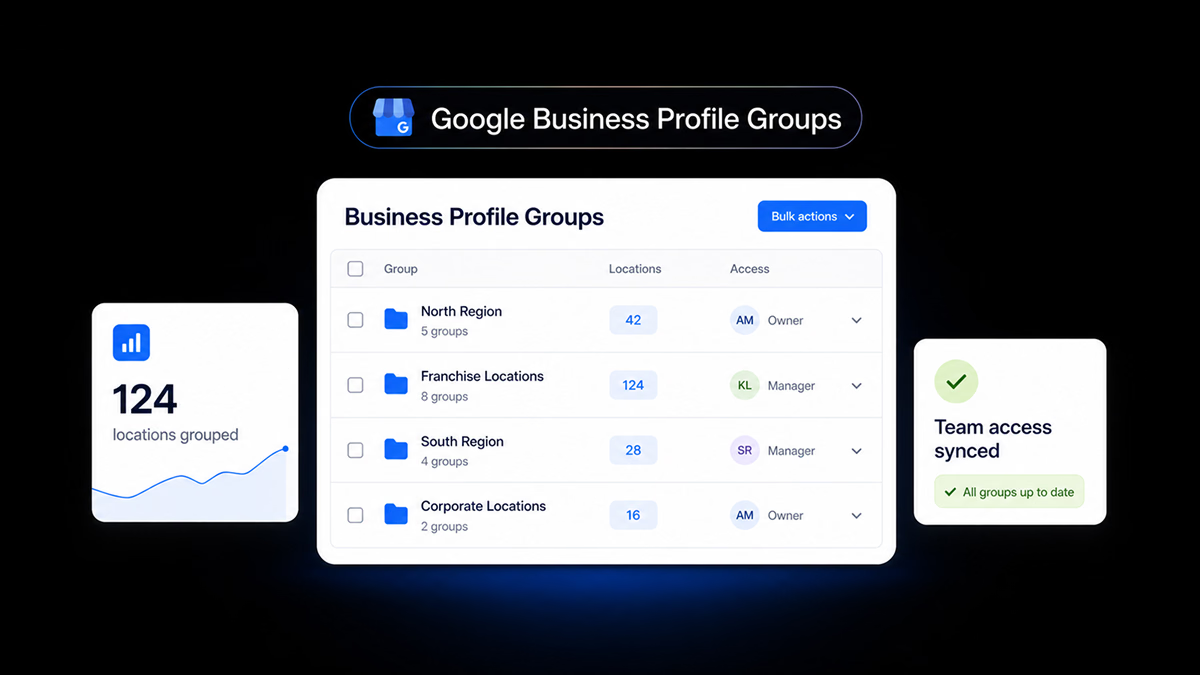
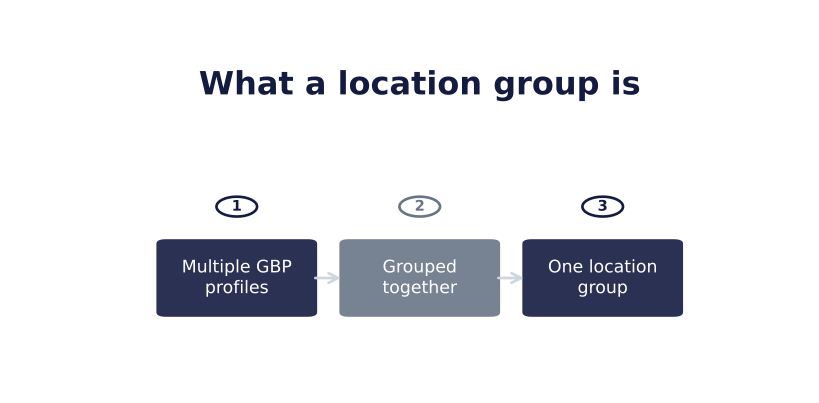
A business group is Google’s term for a collection of Business Profiles managed together under one account.
Google’s own description is “a more secure way to manage and share access to your Business Profiles with co-workers. It’s like a shared folder for your profiles.”
That unlocks:
- Shared access without handing out login credentials
- One place to see and manage every profile in the group
- The ability to apply certain changes across multiple profiles at once
Tip: If you are new to managing Google Business Profiles and manage more than one location, Google recommends creating a group before doing anything else. It is the foundation everything else in this guide builds on.
Benefits of managing your locations with business groups
Grouping changes how multi-location management actually works day to day. Here is what it offers:
- Time savings. One action replaces multiple logins. A five-minute task for one location becomes an unmanageable checklist across ten without grouping.
- Consistency. Hours, categories, and business information stay aligned across locations instead of quietly drifting apart, one edit at a time.
- Cleaner access control. Team and agency access is granted and revoked at the group level. No shared passwords, and no guessing who still has access to what.
- Accountability. Owner and manager roles show who has access and at what level, instead of relying on one shared login everyone touches.
- Easier onboarding and offboarding. Add or remove a team member’s access to every location in the group in one place, not profile by profile.
The core value: Grouping turns “12 separate businesses to manage” into “one business with 12 locations.” That is an administrative change, not just a conceptual one.
Tip: These benefits apply whether you ever use a third-party tool or not. Grouping is worth doing on Google’s side alone. Everything later in this guide is about extending it further.
Google Business Profile groups vs. Google location groups
This is where many searches get it wrong.
“Location group” is a Google Ads term. It is a reusable collection of business locations used for filtering and targeting ad campaigns. It has nothing to do with managing your Business Profile listings.
“Business group” is the Business Profile Manager term. It is the feature covered in this article: the one that groups your actual listings for shared management.
| Google Business Profile group | Google Ads location group | |
|---|---|---|
| Lives in | Business Profile Manager | Google Ads |
| Purpose | Shared management of multiple listings | Filtering and targeting for ad campaigns |
| Who uses it | Any multi-location business or agency | Advertisers running location-based ads |
| Localith relevance | Directly: this is what Localith imports | Not applicable |
Tip: If you searched for “Google location group” while looking for a way to manage multiple listings, you are in the right place. You just want what Google calls a business group. This article uses the correct term throughout.
How to create and manage a Business Profile group in Google
Before using Localith, here is how Google’s own interface handles business groups.
Creating a group
- Sign in to Business Profile Manager.
- If you have two or more profiles, select Create group at the top right.

- Enter a group name.
- Select Create.

Existing profiles can be moved into the group afterward, so you are not limited to grouping profiles only during setup. Select the corresponding profiles, choose Actions at the top right, and select Transfer businesses. Then choose the new group you created.

Owner vs. manager roles
Two roles control a group, and the distinction matters:
- Owners can add and remove other owners and managers, delete the group, transfer ownership, and manage every profile inside it.
- Managers can add, edit, and delete profiles within the group, but cannot add or remove other users from the group itself.
Only individual user accounts can hold these roles. Google Groups (the mailing-list product) cannot be added as owners or managers.
Tip: A group needs one primary owner at all times. That owner cannot remove themselves without transferring ownership first, so plan for staff turnover before it becomes a lockout problem.
Agency business groups
Agencies managing client locations use the same underlying feature, organized under an agency or organization structure. Organization owners can create and delete groups; organization members can create and edit groups but cannot delete them.
Tip: If you are an agency, set up this access model before onboarding a new client’s locations, not after.
What a Business Profile group unlocks natively
Once locations are grouped, Google’s own tools let you:
- Manage access centrally. Both owners and managers can edit any profile in the group without separate logins.
- See everything in one dashboard. There is no need to switch between profiles to check status.
- Apply certain changes across profiles at once. Not every field or workflow is bulk-editable natively, however.
Tip: Native grouping solves access and visibility well. It stops short of full bulk workflows. That is the gap Localith is built to close.
The Localith method: one dashboard, six bulk operations
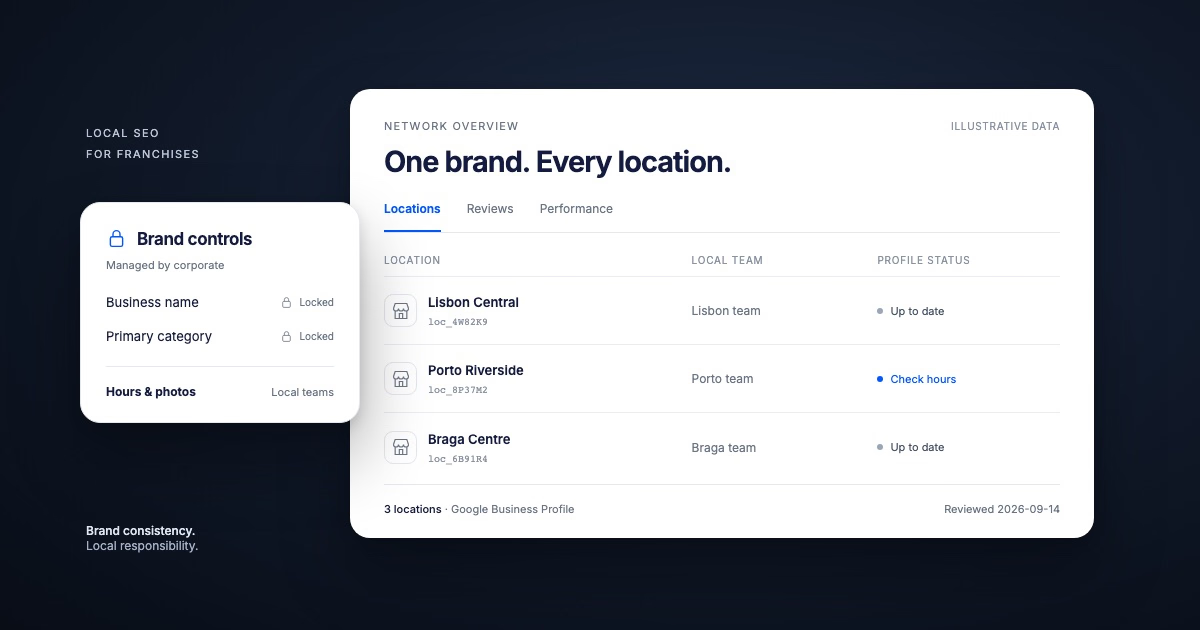
Localith imports the business groups that already exist in your Google Business Profile account. It does not create, rename, or restructure groups of its own.
Group structure, ownership, and manager roles are set in Google’s Business Profile Manager, and that remains true whether or not you connect Localith.
What Localith adds: Once a group’s locations are imported, you can run the same bulk action across every location in it from one screen instead of repeating it location by location.
Tip: Think of it as a division of labor: Google owns group structure and permissions. Localith owns what you do with the locations inside an imported group, at scale.
Log in, connect your Business Profile account, and every group you already have in Google appears under Listings, imported rather than recreated. From there, the following workflows can run across the whole group at once.

1. Publish a Google Post on multiple locations
Push the same announcement, offer, or update to every location in the group in one action instead of posting to one profile at a time.

2. Bulk update your Business Profile locations
Change hours, categories, descriptions, or attributes across every location in the group at once.

3. Bulk upload images to your group
Upload the same photo batch across every location in the group instead of repeating the upload one profile at a time.

4. Get performance insights for your group
See performance rolled up across the whole group, not only location by location.

5. Track unauthorized changes to your locations
Get flagged when something changes on a location that should not have, such as a reverted category or hours edited by someone without the right access.

6. Delegate group responsibilities to team members
Assign a Localith teammate to a group and they receive the right scope of locations automatically. This is Localith’s permission layer over the imported locations, separate from Google’s owner and manager roles on the group itself.

Best practices for managing Business Profile groups
To get the most from your GBP groups, follow these three practices:
- Name locations consistently from the start. Retrofitting naming conventions across dozens of live profiles is far more painful than starting clean.
- Audit access regularly. A former employee or agency retaining manager access is a common, avoidable risk most operators only catch during an audit.
- Set a real cadence for posts and review responses. Apply it across the group instead of letting the work happen ad hoc at each location.
Tip: None of this replaces good judgment. It means that judgment gets applied consistently across every location instead of drifting from one location to another.
Group your locations correctly, then manage them from one place
A business group (not a location group) is Google’s tool for managing multiple Business Profile listings together.
The native feature covers access and visibility well, but stops short of comprehensive bulk workflows. Localith imports your existing groups and adds bulk actions on top: group structure stays with Google while day-to-day management gets much faster.
Ready to manage your Business Profile groups from one place? See Localith’s pricing, or read our full guide to managing multiple Google Business Profiles for the bigger picture.

Run every Google Business Profile from one operating dashboard. Localith centralizes listings, reviews, posts, and analytics so your team can manage every location without jumping profile to profile.
Start free trial