

Managing Google reviews sounds easy until the reviews start coming in from multiple branches, different teams, and dozens of locations at once. Then it becomes a daily loop of logging in and out, replying manually, and trying not to sound robotic while doing it.
That is why more businesses are looking for a better Google review auto reply workflow. You want to automate your Google review responses with preset rules, AI-generated replies, or a mix of both. You don’t want to answer every review one by one.
You need the right Google Business Profile management platform to make that happen, and Localith is one such option. After all, you don’t want to waste time replying to feedback one at a time, and doing so is very important, even Google says so!
Below, I teach you how to set up a scalable reply workflow for one or many locations and how our Google reviews autoresponder tools fit into that process!

Automate your Google review replies today. Set up AI-powered responses, automation rules, and brand voice controls for all your locations in minutes.
Start free trialWhat is Google review auto reply?
Google review auto reply is the process of automatically responding to customer reviews left on your Google Business Profile based on rules you define in advance. Also, it also applies to an AI review reply agent that you have set up to imitate your voice.
Those rules can be simple, such as sending a thank-you reply to every 5-star review. They can also be more advanced, such as generating different responses based on the review text, rating, location, tone, or language.
This matters because replying to reviews is no longer optional for serious local businesses. Customers expect acknowledgment, and active review engagement helps businesses maintain a stronger presence in local search.
The problem is that manual replies do not scale at all! A proper automatic Google review reply setup solves that by giving your team one system for incoming reviews and one workflow for deciding what happens next.
You need to get on top of this ongoing problem as soon as possible, as 97% of consumers read reviews for local businesses. If you want to see real examples of how to respond, check out our Google review response examples guide.
Why businesses automate Google review responses
The practical reason is time. The strategic reason is consistency.
As review volume grows, even a solid team starts to struggle. Some reviews get answered quickly, some are delayed, and some get missed entirely.
Tone begins to drift too. One reply sounds polished, another sounds rushed, and another sounds like it was written by someone hanging on by a thread.
When you automate Google review responses, you reduce that chaos. You create a repeatable review management process that helps your team move faster while keeping replies consistent.
The main benefits are straightforward:
- Faster response times
- Fewer missed reviews
- More consistent brand voice
- Easier multi-location management
- Stronger customer satisfaction and trust
- Positive online reputation
- Better support for local SEO efforts
For multi-location businesses, this operational consistency is half the battle. As such, there are two ways to go about it: use a Google reviews autoresponder and/or use an advanced Google reviews AI reply agent. Thankfully, Localith offers both!
Google reviews autoresponder
First of all, a Google reviews autoresponder is a rules-based feature. It sends responses automatically when a review matches predefined logic, such as a star rating or another trigger.
For example, you can create:
- One response for all 5-star reviews
- One response for 4-star reviews
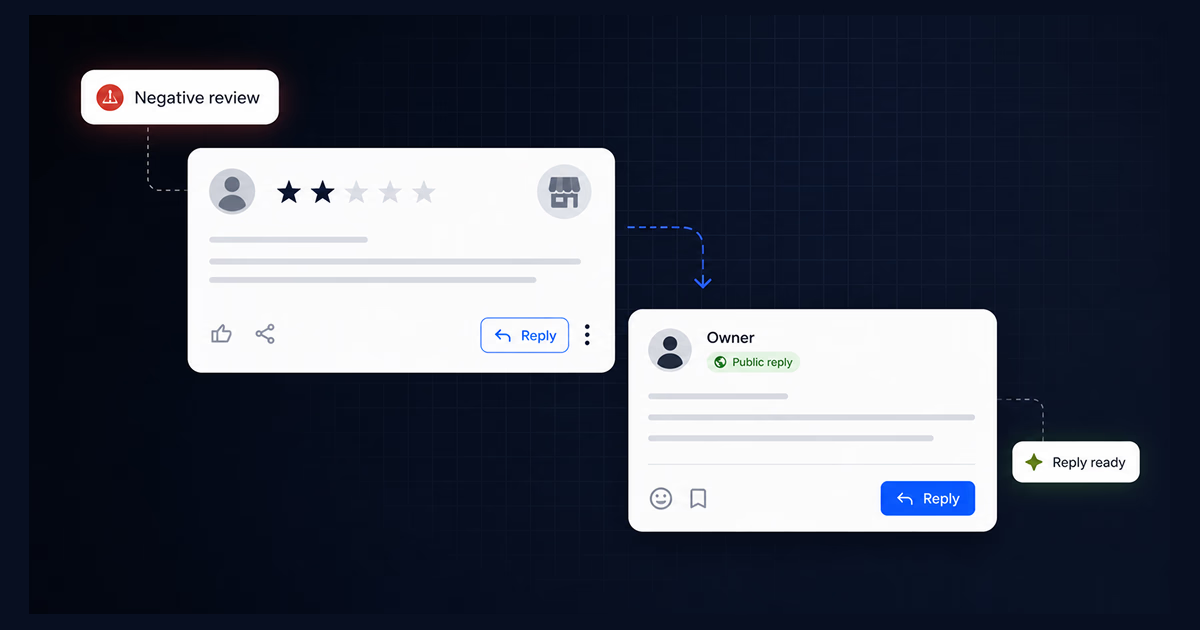
- A more careful reply for 1-star and 2-star reviews
- Location-specific replies for different branches
This kind of Google reviews automatic reply setup is useful because it is fast, predictable, and easy to control. It works especially well when you already know the kind of message you want to send, and you want to make sure no review sits unanswered.
A good autoresponder setup should let you:
- Trigger replies based on new reviews
- Separate responses by star rating
- Apply rules to one or multiple locations
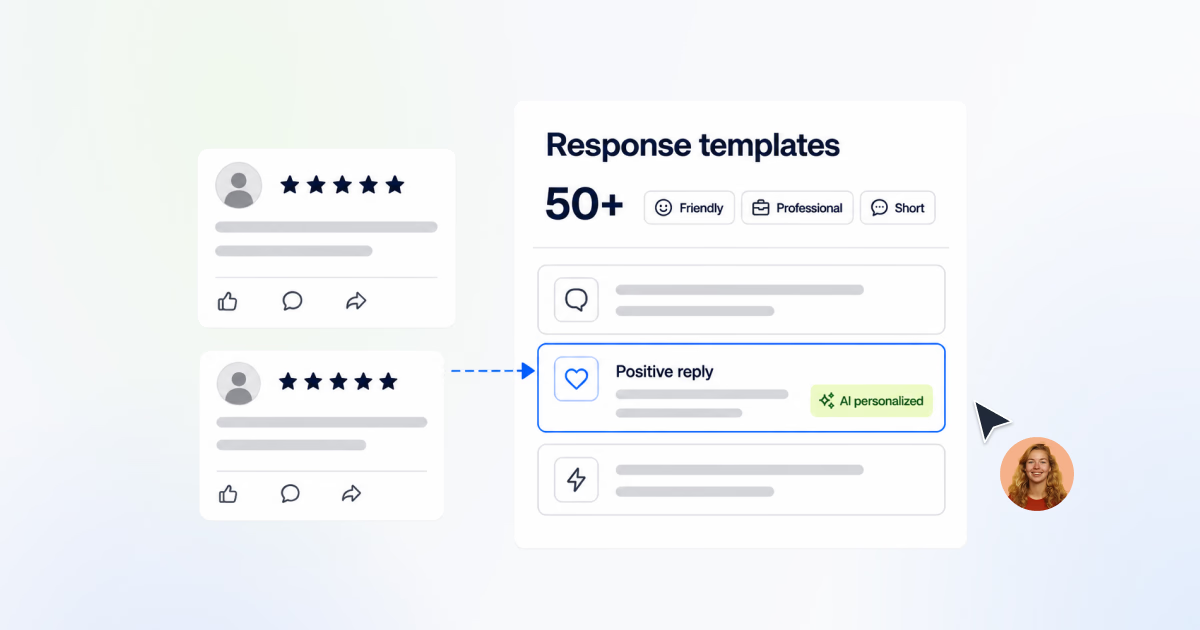
- Use preset reply templates
- Send AI-generated responses automatically
- Manage everything from one dashboard
The downside is obvious: static replies can get repetitive. If every response sounds the same, customers notice. That is where AI becomes more useful.
Google reviews AI reply agent
While the above workflow is already powerful, a Google reviews AI reply agent adds additional flexibility. Instead of sending the same preset message every time, the AI writes a response based on the actual review and the instructions you provide.
For instance, you can train your Google reviews AI agent to mimic your written voice and to adapt to the message context. A short 5-star review can get a quick thank-you. A detailed complaint can get a more empathetic and constructive reply based on sentiment analysis. A review written in another language can receive a response in that same language if the agent is configured properly.
This is also where the “user voice” part becomes valuable. A strong Google review reply AI assistant should reflect how your brand speaks, not just generate clear grammar.
If your business is warm and conversational, the replies should sound that way. If your business is more formal and service-driven, the replies should reflect that tone instead.
In practice, an AI agent helps businesses:
- Personalize replies without writing every response manually
- Keep tone consistent across teams and locations
- Reply in the customer’s language
- Handle praise and complaints differently
- Reduce repetitive work while sounding more natural
Remember: The AI is not there to replace judgment. It is there to make the workflow scalable without making the replies feel mechanical.
Want to test the approach on a single review first? Draft a review response with our free generator, then decide what to automate.
Google review auto responder vs AI reply agent
We can compare each feature, or we can combine them for an even more powerful approach. The cleanest way to look at this is simple: A Google review autoresponder decides when a reply should happen. An AI reply agent decides how that reply looks.
Therefore, while rules give you structure. AI gives you variation.
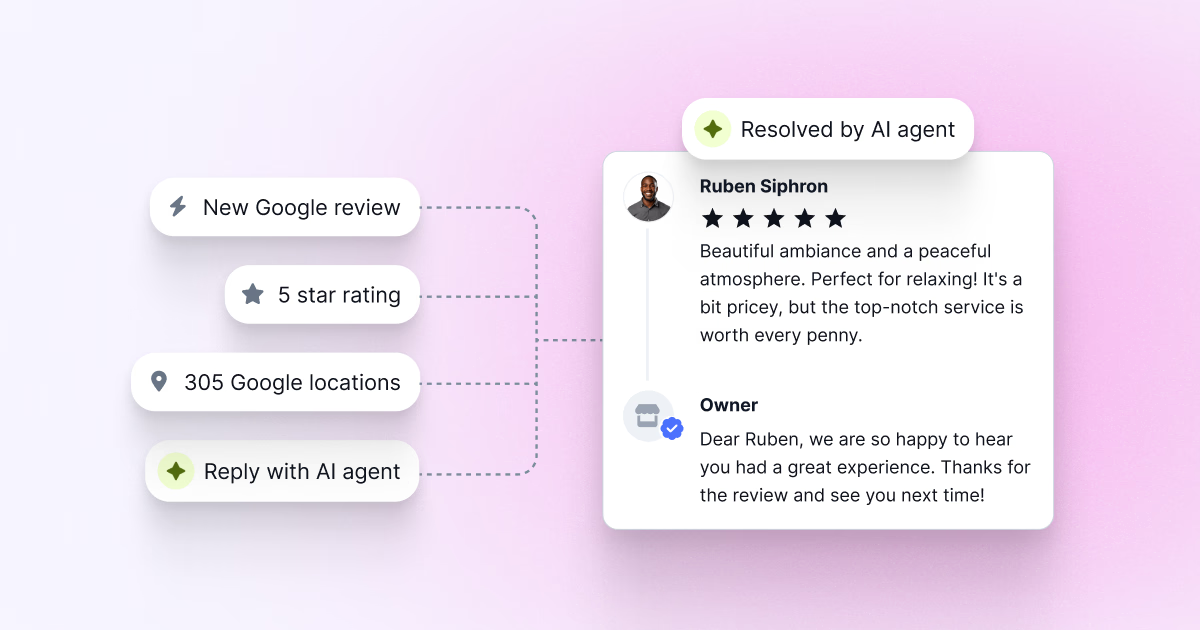
For most multi-location businesses, the best setup is using both. You use automation rules to trigger the workflow based on rating, business location, or another condition, and you use AI to generate more personalized replies that still follow your brand instructions.
That combination is what turns a basic automated Google review response process into something that can actually work at scale.
How to set up Google review auto reply in Localith
If you want to know how to set auto reply in Google review workflows, the process is fairly straightforward when everything is managed from one place.
With Localith, the goal is to centralize review replies across all your Google Business Profile locations, apply automation rules, and use AI where it improves speed and quality.
With it, you can also manage all your Google Business Profiles from one dashboard while using AI-powered review reply features to streamline review handling.
Here is how the setup works:
- Connect your Google locations
- Access the Responses tab
- Create your AI review reply agent
- Set up your automation rules
- Set the workflow live and keep improving it
1. Connect your Google locations
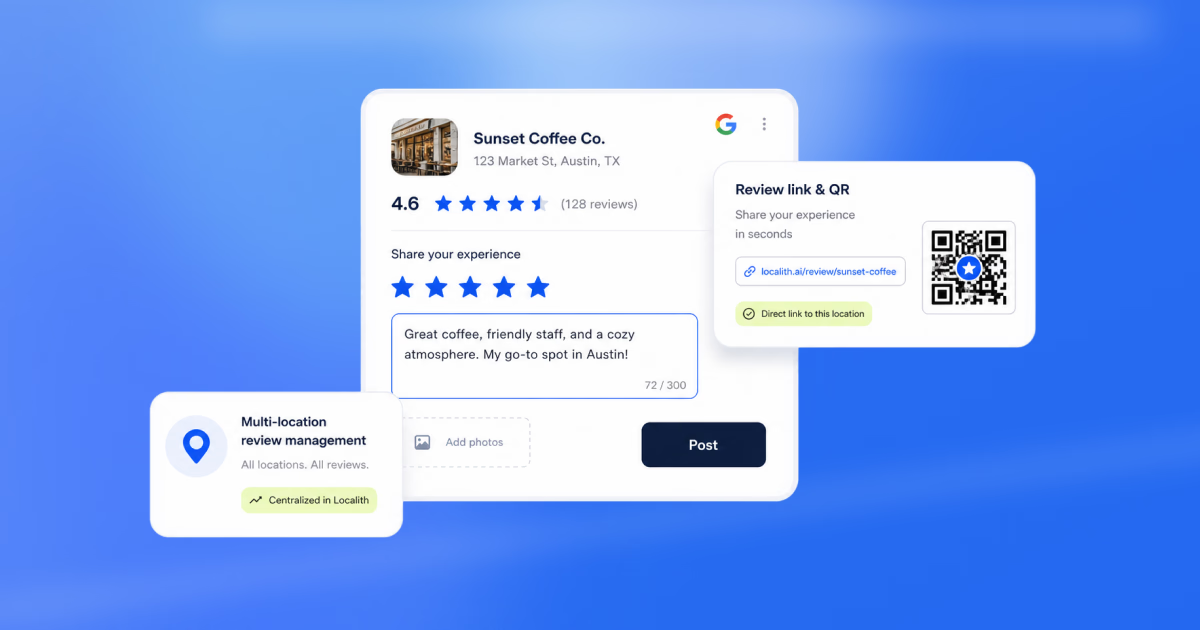
Start by connecting the Google Business Profile locations you want to manage. This is what turns review management from a manual chore into a centralized multi-location dashboard.
Once your locations are connected, you can pull all your business reviews at once without managing individual profiles. For multi-location businesses, this is the foundation of the whole process.

2. Access the Responses tab
After your locations are connected, go to the Responses tab. This is the area where review replies and automations are managed.
From here, users can review incoming feedback, organize replies, and move into the setup flow for automation. This is where the manual process becomes a structured one.

3. Create your AI review reply agent
Before building the automation itself, create your AI review reply agent. This is the step where you define how your AI agent sounds.
You can set the tone and brand voice, and give the agent instructions for how to handle positive and negative reviews. This is what helps the replies feel more natural and less generic.
Instead of relying only on a fixed response, the AI agent can generate more contextual replies based on the review content and the guidance you provide.

4. Set up your automation rules
Once the AI agent is ready, you can set up the automation rules that control when replies should be sent. This is where you define:
- What event triggers the workflow?
- Which star ratings does the rule apply to?
- Which locations does the rule apply to?
- Should the reply use a preset message or your AI agent?
That distinction is important. The automation controls the logic, while the reply method controls the wording. So at this stage, users can choose the simpler route with a static preset response or the more flexible route with an AI-generated reply.

5. Set the workflow live and keep improving it
After reviewing the setup, set the workflow live.
Once active, the automation starts handling reviews based on the rules you defined. But this should not be treated as a one-time setup. Review the outputs regularly, refine the instructions, and adjust the rules as needed to keep replies accurate, on-brand, and useful. Use the performance dashboard to track how your review reply rates improve over time.
That is the real advantage of this process. It gives businesses a repeatable review reply workflow that is fast enough to scale, but still flexible enough to improve over time. If you want a deeper look at scaling review operations, read our guide on scaling Google review replies with AI.
If you’re lost with any step, check out the video below:
Why does this process work better for multi-location businesses?
The real strength of this workflow is that it gives multi-location brands one operating system for review replies. Instead of handling each listing separately, businesses can:
- Centralize all incoming Google reviews
- Separate reply rules by star rating
- Apply different logic to different branches
- Use AI-generated replies where needed
- Keep responses aligned with one brand voice
That is what makes this stronger than a basic Google My Business auto reply setup. It’s faster, more structured, easier to scale, and less likely to collapse once reviews start flowing in.
Beyond review replies, tools like geo-heatmaps help multi-location teams visualize where they rank in local search, so you can pair your review strategy with real local SEO visibility data.
8 best practices for smarter Google review auto replies
Fast replies are not automatically good replies. A weak response sent instantly is still a weak response, just delivered faster. What works better is a disciplined system that keeps your review reply workflow useful, consistent, and human across all your locations.
To make that happen, follow these best practices:
- Use different reply logic for different star ratings, since a 5-star thank-you and a 1-star complaint should never get the same treatment. Separate them at the rule level so each rating gets the right tone and depth.
- Keep your tone consistent across all locations so your brand does not sound polished in one city and half-asleep in another. Set one voice, and let the automation enforce it everywhere.
- Personalize replies where possible instead of relying on one generic response for every review. Even small adjustments based on the review text make a real difference in how customers perceive your response.
- Define your brand voice clearly before using AI so responses sound natural and aligned with how your business actually communicates. The better your instructions, the more natural the output.
- Add stronger guardrails for sensitive or negative reviews, and let a human step in when the situation calls for it. Not every reply should be fully automated. For specific templates, see our guide on how to respond to negative Google reviews.
- Do not ignore location-specific context, especially if different branches have different teams, services, or recurring customer relationships and issues that affect how a reply should read.
- Review your live replies regularly to catch repetitive wording, awkward phrasing, or logic that needs adjusting. Automation without oversight drifts fast.
- Keep refining the workflow over time, because customer expectations, location needs, and brand messaging do not sit still. Treat your setup as something that improves, not something you set and forget.
All these strategies bring out the best in your AI review reply agent!
Conclusion
Managing reviews manually might work for a single location with low volume.
However, once you are handling multiple Google Business Profiles, it quickly becomes inefficient, inconsistent, and difficult to scale.
That is why a structured Google review auto reply workflow matters. And with the right setup, businesses can respond faster, keep replies aligned with one brand voice, and handle positive and negative feedback more consistently across every location.
Localith helps make that possible by bringing review management into one dashboard and combining automation rules with AI-powered review replies. You can also use review analytics to track response rates and team performance over time.
So, if you manage a multi-location business, you need a practical way to save time, stay responsive, and keep customer communication more consistent as they grow.
Check out Localith today, and manage your review replies like a pro!